59 originals · classic and slim · free for any use
Free Minecraft skin bases
Fifty-nine skin bases we drew ourselves, from plain bodies in six skin tones to knights, suits and hoodies. Every one is a 64×64 PNG in both the classic and the slim arm model. Open any base straight in the skin editor, or download the file and use it for anything, selling included, without credit.
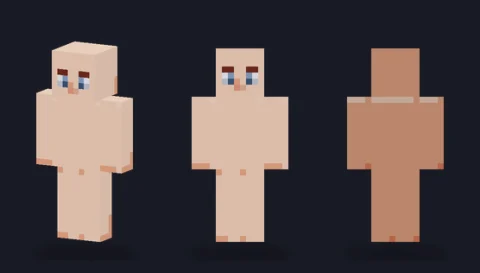 Plain base, porcelainEditPNG
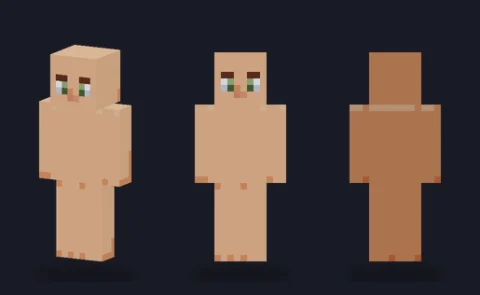 Plain base, sandEditPNG
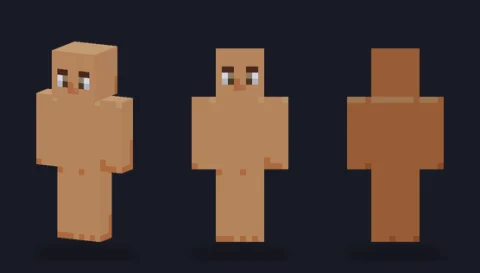 Plain base, honeyEditPNG
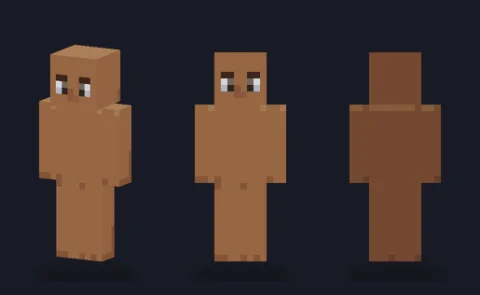 Plain base, caramelEditPNG
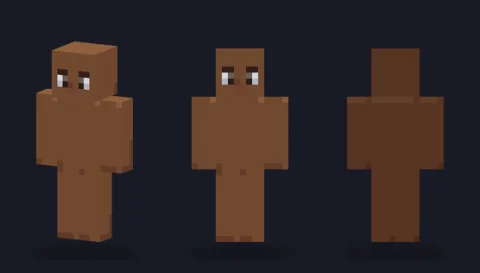 Plain base, cocoaEditPNG
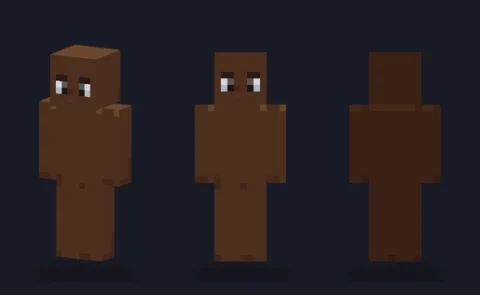 Plain base, espressoEditPNG
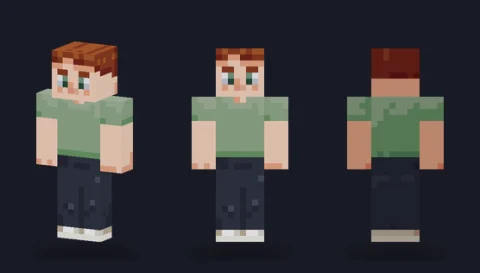 Short crop, auburnEditPNG
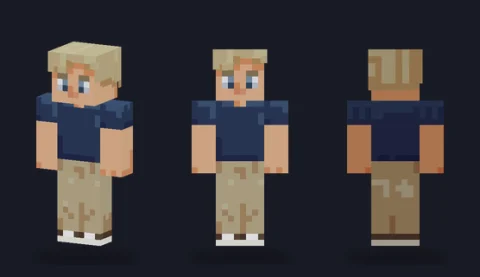 Side part, ash blondEditPNG
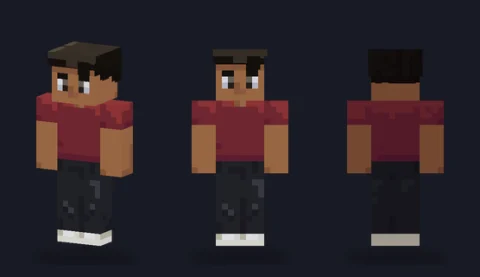 Swept quiff, jet blackEditPNG
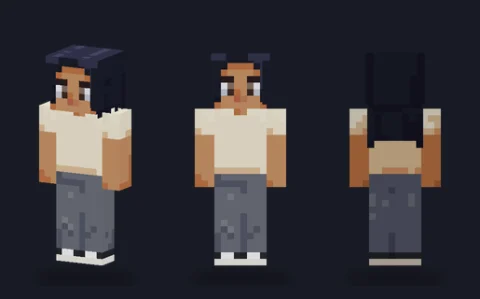 Long straight, blue-blackEditPNG
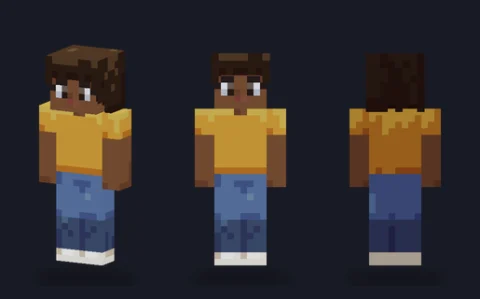 Big curls, dark brownEditPNG
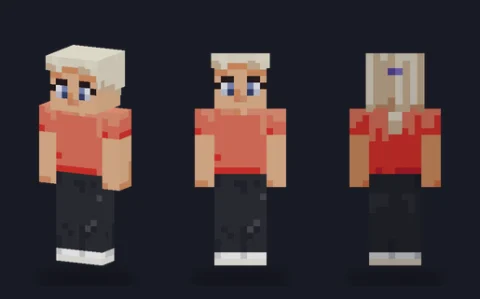 High ponytail, platinumEditPNG
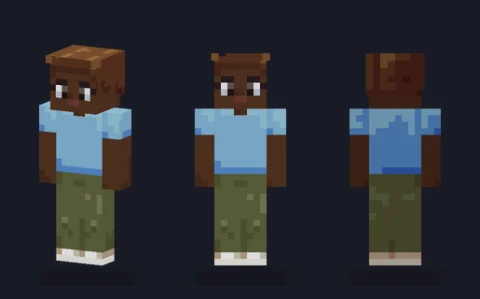 Top bun, chestnutEditPNG
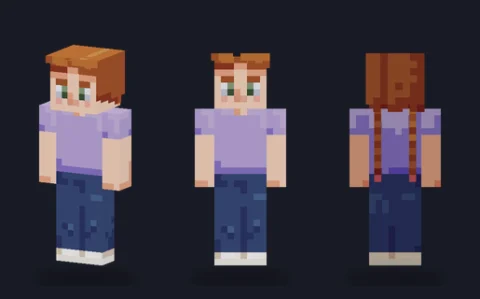 Twin braids, copperEditPNG
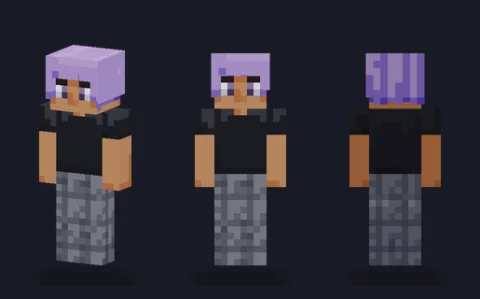 Bob with fringe, lilacEditPNG
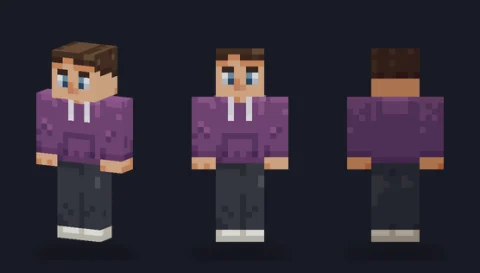 Pullover hoodie, plumEditPNG
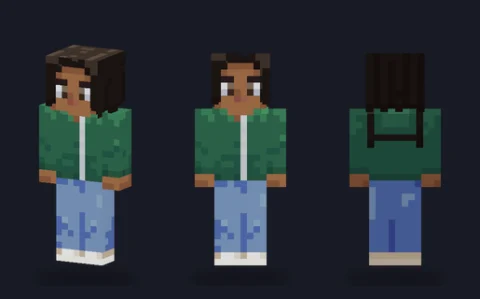 Zip hoodie, forest greenEditPNG
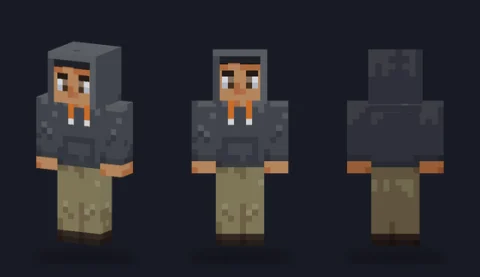 Hood-up hoodie, graphiteEditPNG
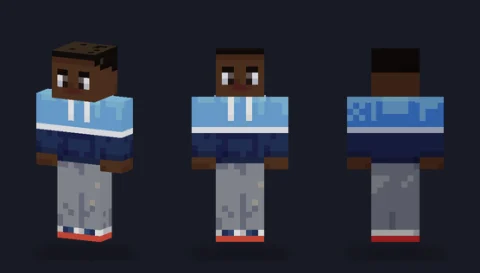 Colour-block hoodieEditPNG
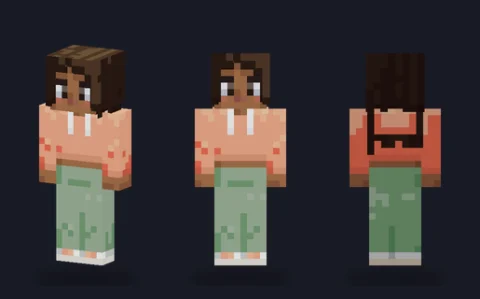 Cropped hoodie, peachEditPNG
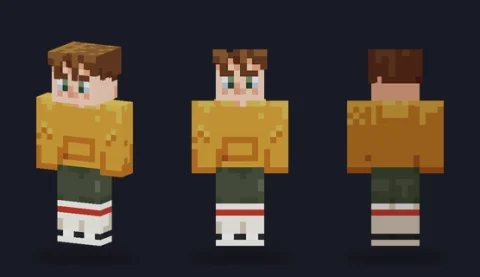 Oversized hoodie, mustardEditPNG
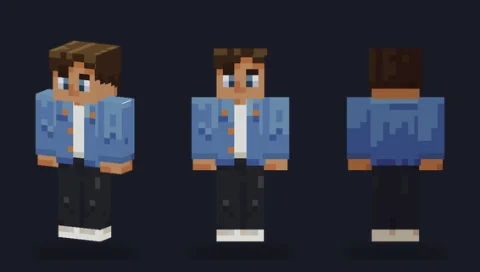 Denim jacketEditPNG
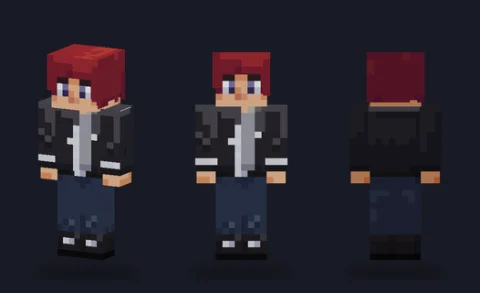 Leather biker jacketEditPNG
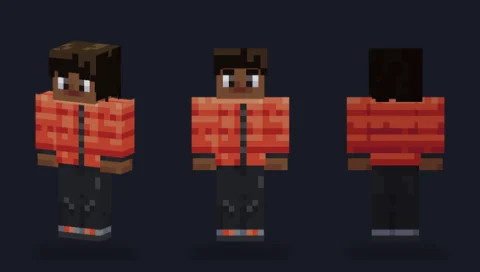 Puffer jacket, tomato redEditPNG
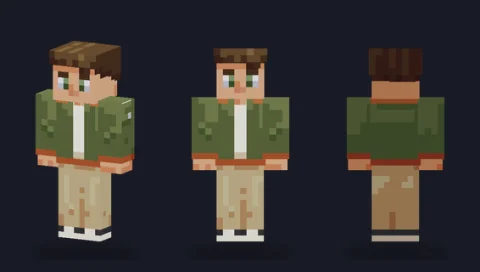 Bomber jacket, oliveEditPNG
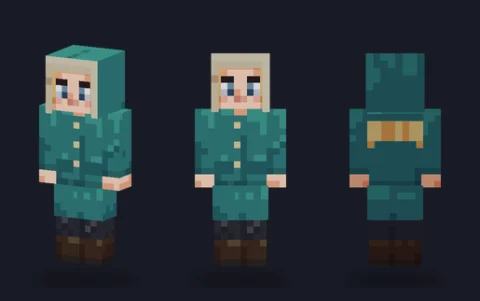 Hooded parka, tealEditPNG
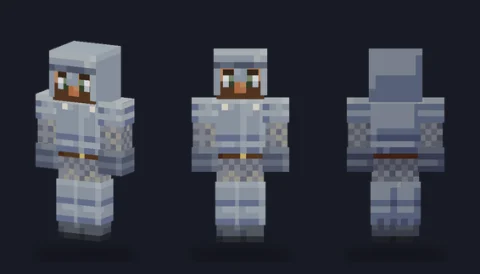 Steel plate armourEditPNG
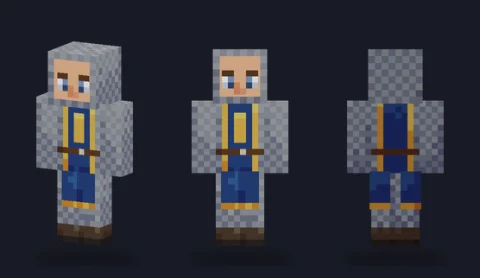 Chainmail and tabardEditPNG
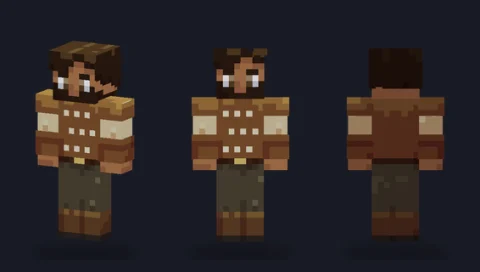 Studded leather armourEditPNG
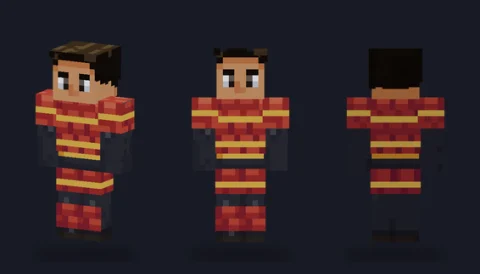 Lamellar armour, crimsonEditPNG
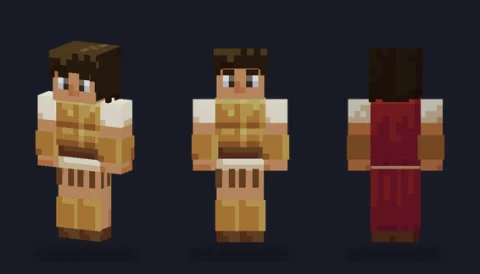 Bronze guard with cloakEditPNG
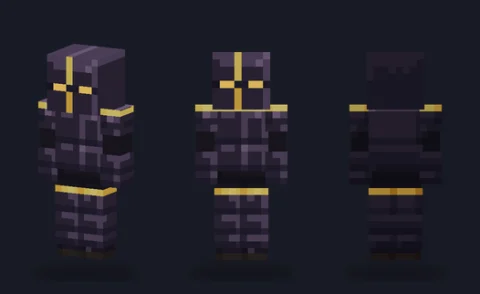 Obsidian knightEditPNG
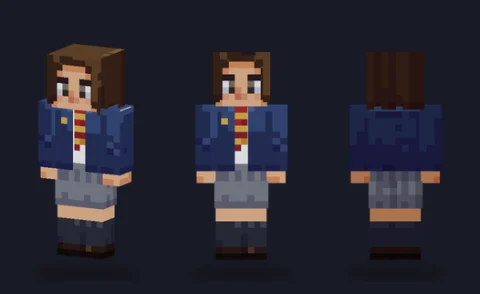 School blazer and pleated skirtEditPNG
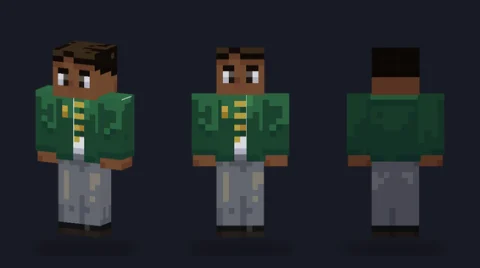 School blazer and trousersEditPNG
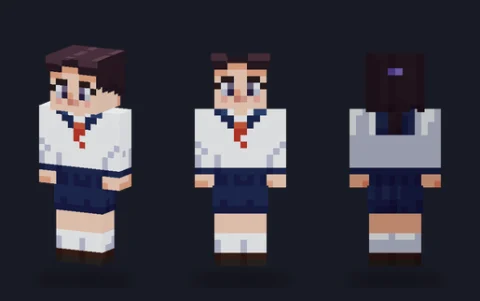 Sailor-collar uniformEditPNG
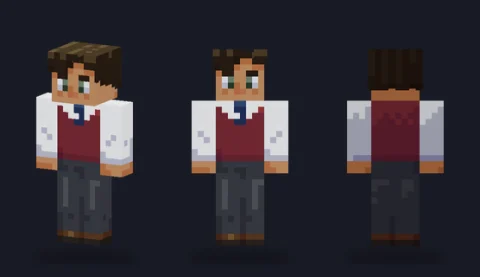 Sweater vest uniformEditPNG
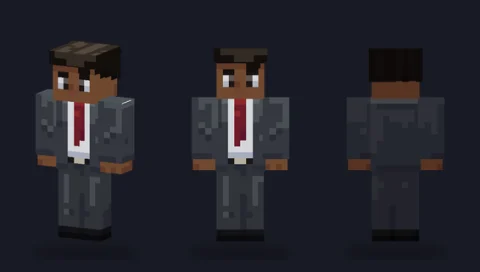 Charcoal suitEditPNG
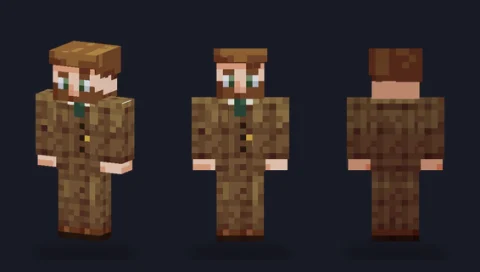 Three-piece tweed suitEditPNG
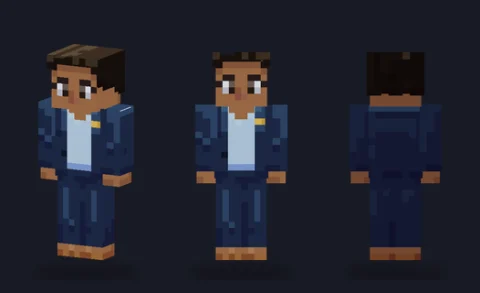 Navy suit, open collarEditPNG
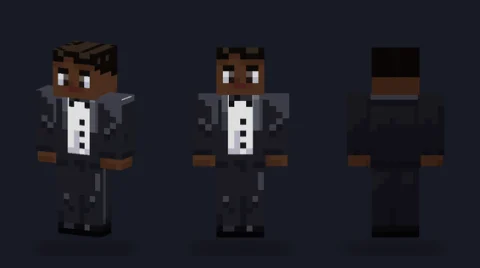 Black tuxedoEditPNG
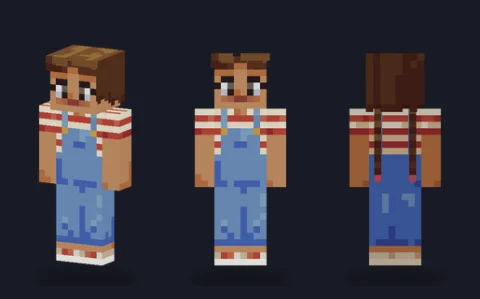 Denim dungareesEditPNG
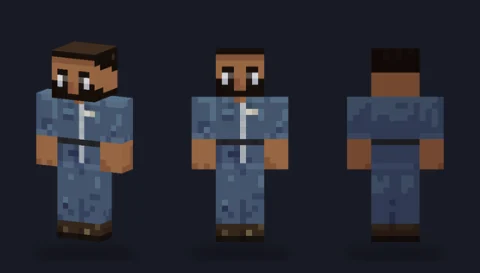 Mechanic coverallEditPNG
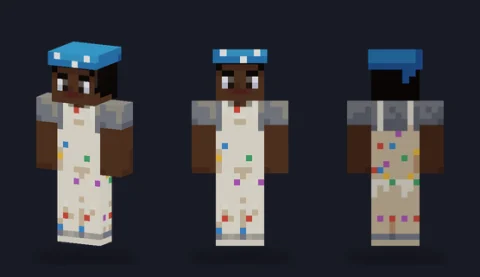 Painter's whitesEditPNG
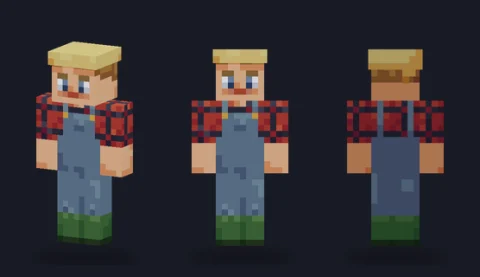 Farmer's overallsEditPNG
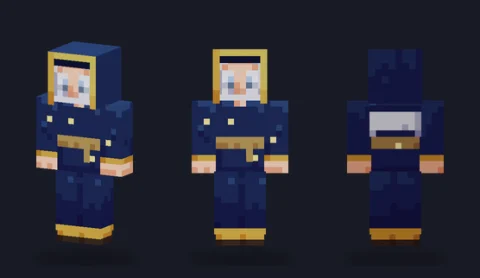 Starlit wizard robeEditPNG
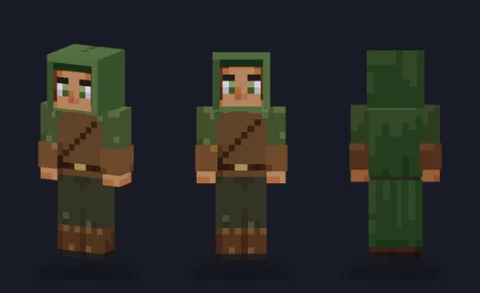 Forest rangerEditPNG
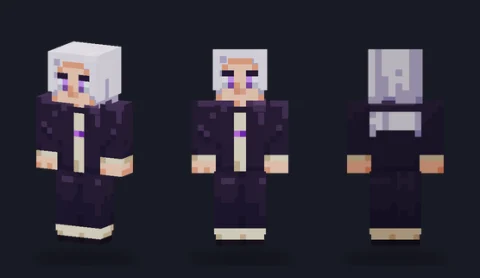 Shadow mageEditPNG
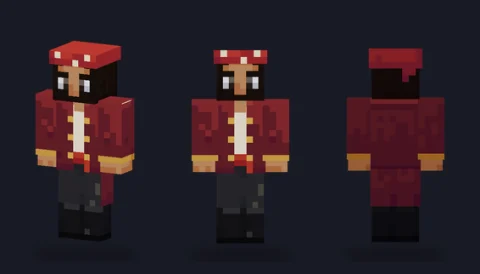 Sea captain's coatEditPNG
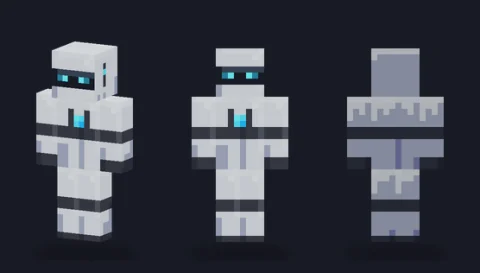 Android unitEditPNG
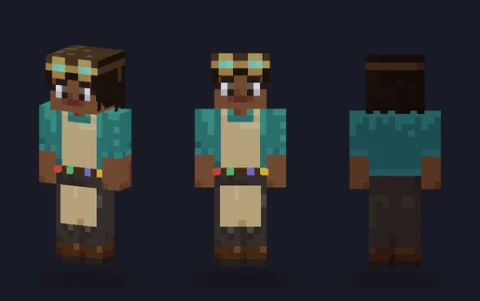 AlchemistEditPNG
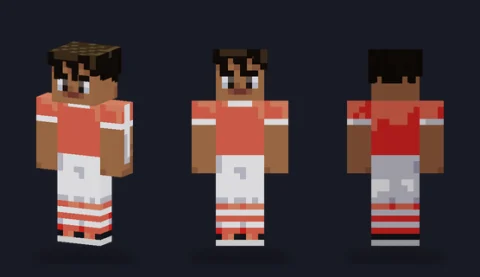 Football kit, coralEditPNG
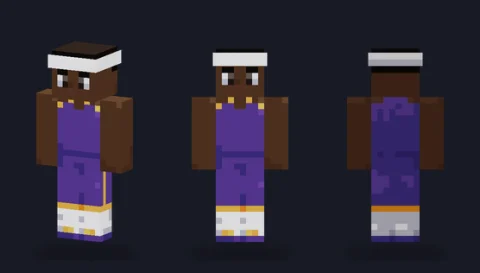 Basketball jerseyEditPNG
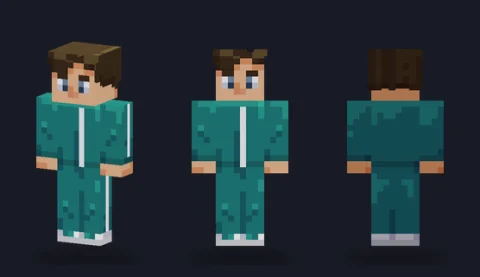 Tracksuit, tealEditPNG
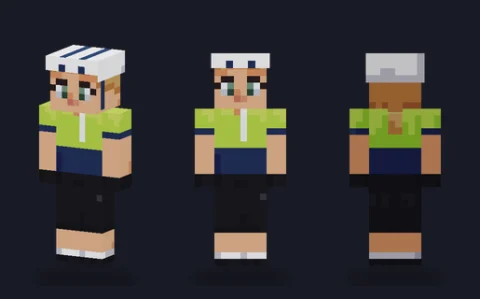 Road cyclistEditPNG
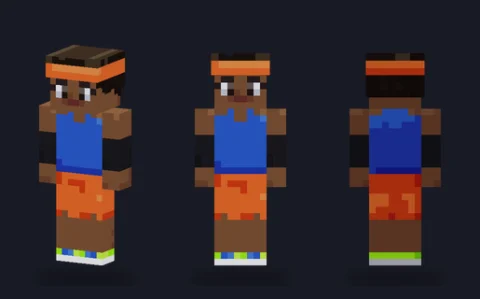 Track runnerEditPNG
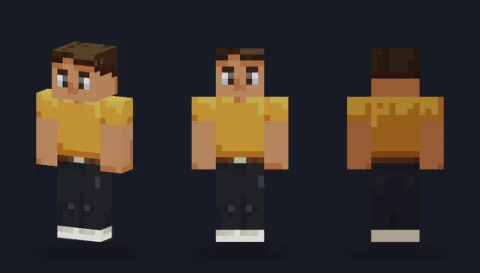 Mustard tee and black jeansEditPNG
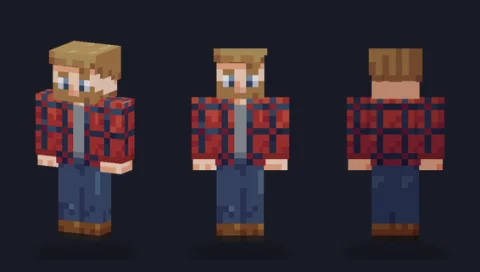 Open flannel shirtEditPNG
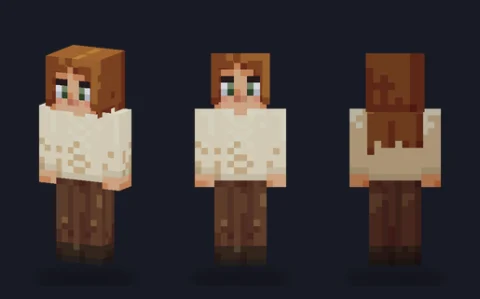 Cable-knit jumperEditPNG
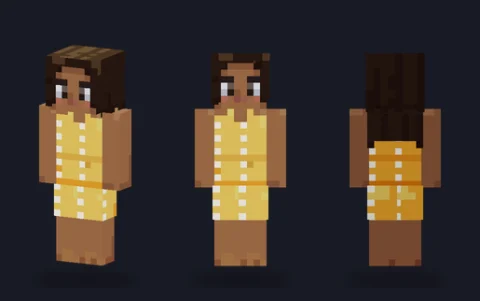 Summer sundressEditPNG


Browse by category
Plain bodies 6
Six skin tones with a face and three-side shading, nothing else: the blank figure for dressing your own character. The overlay layer is empty on all six.
Hair 9
Nine hairstyles on simple outfits, from a short crop to braids and big curls, most with volume built on the hat layer.
Hoodies 6
Six hoodies: pullover, zip, hood-up, colour-block, cropped and oversized, each with a pocket, drawstrings or ribbing that makes it read as a hoodie.
Jackets 5
Denim, leather biker, puffer, bomber and parka. Most are built on the overlay over a T-shirt, so one toggle takes the jacket off.
Knight & armour 6
Six armour bases from steel plate and chainmail to lamellar, bronze and an obsidian knight, all using the overlay for raised plates.
School uniforms 4
Blazer and skirt, blazer and trousers, sailor collar and sweater vest, in colours you can swap for your own school.
Suits 4
A charcoal business suit, a three-piece tweed, a navy suit without a tie and a black tuxedo.
Overalls & workwear 4
Denim dungarees, a mechanic's coverall, painter's whites and farmer's overalls.
Fantasy & sci-fi 6
A starlit wizard, a forest ranger, a shadow mage, a sea captain, an android and an alchemist, all original archetypes.
Sporty 5
A football kit with no crest or number, a basketball jersey, a tracksuit, a road cyclist and a track runner.
Casual 4
Everyday outfits: tee and jeans, an open flannel, a cable-knit jumper and a summer sundress.
What a skin base is
A skin base is a skin with part of the work already done: the blank or half-dressed figure you build your own character on. Skin artists use the word loosely, so it helps to split bases by how much is painted. All of them are ordinary skin files; the difference is where the base author stopped and where you start.
| Kind | Already painted | You add | In this library |
|---|---|---|---|
| Blank base | One flat skin colour | Shading, face, hair, clothes | None; use the skin template instead |
| Tone base | Skin tone with light and shadow sides, plus a face | Hair and clothes | The 6 plain bodies |
| Hair base | Tone, face and a finished hairstyle | The outfit | The 9 hair bases (simple outfits included) |
| Clothed base | Tone, face, hair and a full outfit | Colour changes and your own details | The other 44 bases |
A base is not the same thing as a template. A template is a labelled map of where each body part sits on the 64×64 grid, useful for learning the layout; see the Minecraft skin template. A base is a wearable skin you could upload as it is.
Classic or slim
The two player models differ only in arm width: classic arms are 4 pixels wide and slim arms are 3. Heads, bodies and legs are identical, and the file is the same 64×64 PNG either way. What changes is where the arm faces sit in the file, so a base drawn for one model shows a stripe or seam down the arms when worn on the other. That is why every base here comes as two separate files, each drawn for its own arm width, instead of one file with a column shaved off.
- Pick classic for broad, armoured or blocky characters, and if you are not sure.
- Pick slim for lighter, stylised characters, and when you want sleeves and gloves to look narrow.
- Choose the matching model when you upload. The model is a setting you pick at upload, not something stored in the PNG.
Our slim versus classic guide covers how to plan sleeves and cuffs for each width.
How to build on a base
Building on a base is a layering job. Everything you paint covers what is underneath, so work from the skin outwards: clothes first, then hair, then the raised overlay pieces. The example below follows one character from a bare tone base to a finished skin.
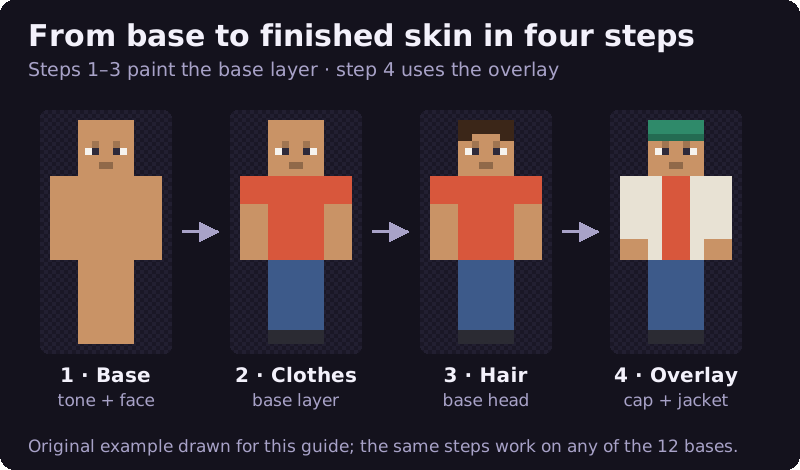
- Pick a base above and press Open in editor. It loads in the arm model you chose, ready to paint.
- Paint the clothes on the base layer first. Paint the right side and back of each garment a shade darker, the way the base does.
- Add or change hair on the base head: cover the top and back, then bring a fringe down the front and sides. Leave the eyes clear.
- Use the overlay for anything that should stand out from the body: hoods, caps, open jackets, cuffs, glasses. Overlay pixels you leave empty stay see-through.
- Press Download PNG and upload the file, choosing classic or slim to match. Our guide to exporting and uploading your skin has the steps for Java and Bedrock.
Two habits save most rework. First, never erase pixels on the base layer: in Java Edition the inner layer is drawn solid, so a hole you cut is filled in rather than see-through; only the outer layer supports transparency. Second, keep shading on the same side as the base. Every base here is lit from above, in front and on the character's left, so the character's right side and back are a step darker; if your new shirt is lit from the other side, the body looks twisted.
Licence: what you can do with them
We drew all 59 bases ourselves, in code, and we own them. Original artwork drawn in code for PixelPelt. Free to use, edit, share and sell; no credit needed. In plain terms, without asking and without credit, you may:
- wear them as they are or edited, in any edition of the game;
- share skins you made from them, on any site, including in packs you give away;
- make and sell your own skins built on them;
- change the colours, the face, the clothes or the shading however you like.
A credit line or link back is welcome but never required. The only thing a licence can't give you is anything we don't own: if you build a well-known character on a base, the base is still free but the character belongs to whoever created it.
Using someone else's base
Bases on community sites come with whatever terms their artist sets, and they vary: some ask for credit in your upload's description, some allow edits but not reposting the base alone, and a few forbid commercial use. Read the base's page before you start, and if it says nothing, ask the artist. Starting from a base you know you can use avoids the question.
Edge cases and common problems
- Bedrock and 128×128: Bedrock's custom-skin import also accepts larger files. These bases are 64×64, which Bedrock and Java both accept, so there is nothing to convert.
- Old 64×32 skins: the legacy half-height format has no separate left arm or left leg and only one overlay area, the hat. These bases use the full 64×64 layout, so both arms and legs can differ.
- The arms look striped in game: the upload model doesn't match the file. Re-upload and switch between classic and slim.
- The face disappears under hair: hair on the hat layer is covering the eyes. Clear the hat pixels in front of the eyes.
- Colours look different in game: in-game light changes how every skin reads. Check yours in daylight in a world before you change the palette.
Frequently asked questions
What is a Minecraft skin base?
A skin base is a wearable skin with only some of the design done, used as the starting point for your own. Ours range from plain bodies with just skin tone and a face to fully dressed outfits you can recolour and change.
Are these skin bases free to use?
Yes. All 59 are original artwork drawn for PixelPelt. You can wear, edit, share and sell skins made from them, and you don't need to credit us.
How do I use a skin base in the editor?
Press Open in editor on any base and it loads straight into the editor in the right arm model. Or download the PNG and use Import PNG. Paint over it, then press Download PNG and upload the file.
Should I pick a classic or slim base?
Classic has 4-pixel arms and suits broader characters; slim has 3-pixel arms and suits lighter ones. Every base comes in both, so pick the one that fits your character and choose the same model when you upload.
Can I use someone else's skin base?
Only on the terms its artist sets. Many ask for credit and some forbid reposting or selling; read the base's page, and ask the artist if no terms are given.
Do the bases work on Bedrock and Java?
Yes. They are standard 64×64 skins, which both editions accept. Choose classic or slim to match the file when you upload it.