Minecraft skin base · Plain bodies
Plain base, sand
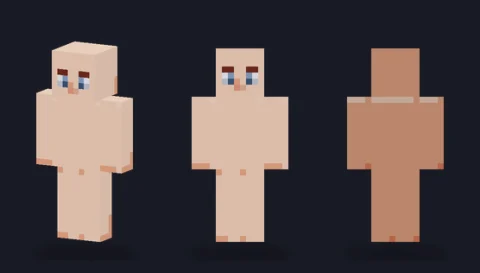
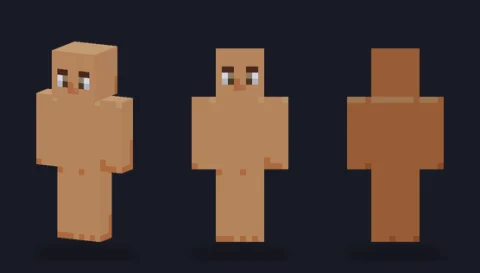
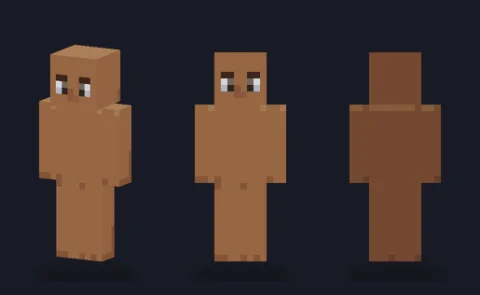
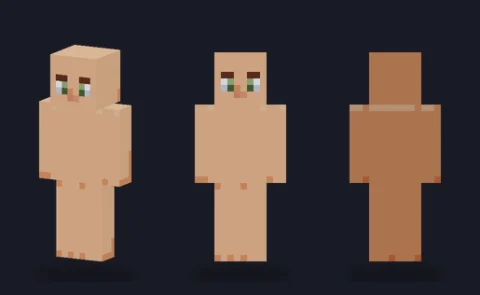
A hair-ready body in tone 2 (sand) with a simple face and soft three-side shading: the blank figure to dress into your own character.

Our take
A warm sand tone that sits between the very light and the mid bodies; the most neutral starting point in the set for a slim-armed character.
What it's good for
Characters with light-medium or olive skin, sun-tanned adventurers, and outfits in cool colours like navy, teal or grey that look flat on paler bases. Because it opens on the slim model, it is the quickest way to start a lighter, stylised figure.
Design notes
Four sand tones do all the work: a main front colour, a darker step on the character's right side, a deeper back and underside, and a lighter head top. The eyes are a muted green with white corners, which keeps the face calm at a distance. The overlay layer is empty, and the shading is soft enough that a fill tool can swap the four tones for your own without losing the three-dimensional read.
Measured palette: the main colour groups in the file, with the share of painted pixels each covers.
#d8916351%#e2b48f33%#e4c09d10%#ca6b3d6%
Customise it in the editor
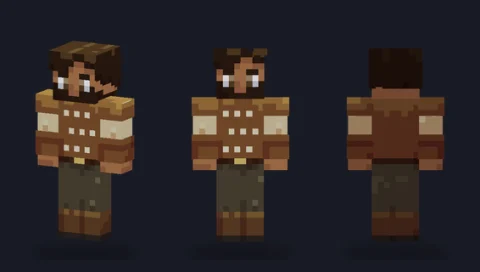
- Try a navy or teal top: the warm sand skin makes cool colours stand out at the neck and hands.
- Paint shoes on the bottom two rows of each leg and add a one-pixel darker sole line so the feet don't merge with the floor in game.
- Use the eyedropper on the darkest skin tone to paint a nose shadow or a jaw line without guessing the colour.
Open plain base, sand in the editor to try these: it loads on the slim model, and the classic version is one click away too.
Classic or slim?
Opens on Slim, so the arms are 3 pixels wide and sleeves will look narrow. Switch to Classic for a broader build; the shading is identical, only the arm faces get one column wider.