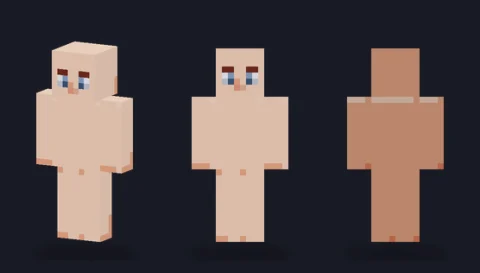
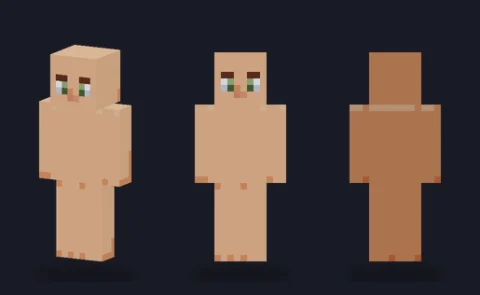
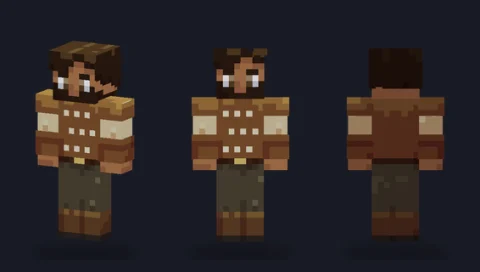
Minecraft skin base · Plain bodies
Plain base, caramel
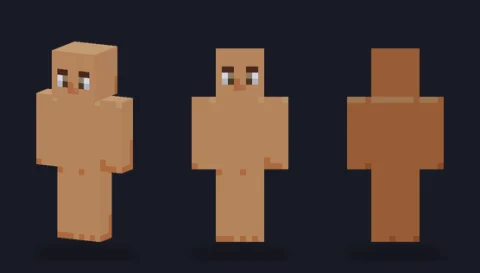
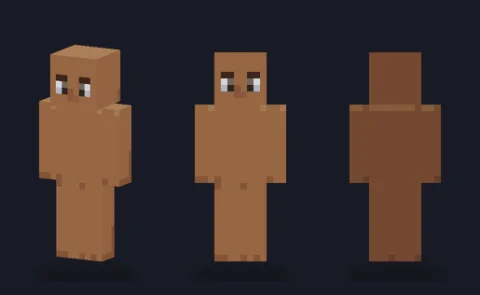
A hair-ready body in tone 4 (caramel) with a simple face and soft three-side shading: the blank figure to dress into your own character.

Our take
A caramel body with a slim frame and a little more warmth than the honey tone; it carries saturated clothing colours especially well.
What it's good for
Medium-brown skin tones, summer outfits, and characters dressed in white, cream or pastel, which can look washed out on lighter bodies. Opening on slim, it is a fast route to a lighter-built character.
Design notes
The caramel ramp follows the library's one-light rule: front lit, the character's right side a step darker, back and underside darkest, head top lifted. The eyes are a deep warm brown, close to the darkest skin tone, which gives a softer face than the high-contrast eyes on the paler bodies. The overlay layer is empty.
Measured palette: the main colour groups in the file, with the share of painted pixels each covers.
#915c3e51%#a8714a32%#b5875f10%#7948336%
Customise it in the editor
- Try a white or cream top: on this tone the neckline and hands frame the outfit cleanly.
- Add a lighter highlight row on top of the shoulders with Lighten to make the body look more rounded.
- If you want lighter or darker skin, use Fill on each of the four tones in turn; the shading pattern stays in place.
Open plain base, caramel in the editor to try these: it loads on the slim model, and the classic version is one click away too.
Classic or slim?
Opens on Slim (3-pixel arms). Classic gives the same caramel body with 4-pixel arms if you are building a broader character.