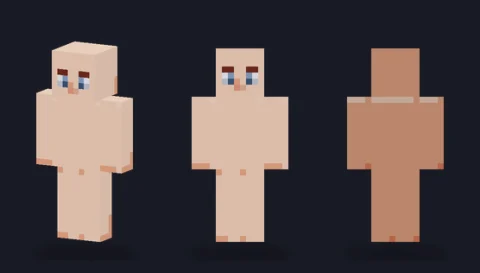
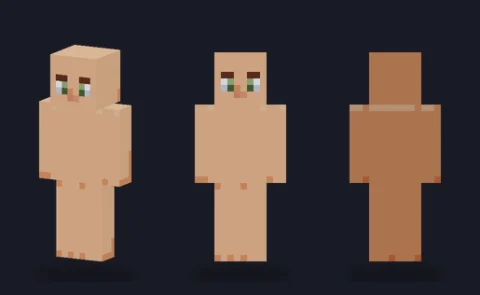
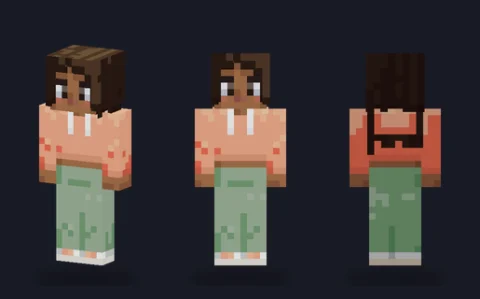
Minecraft skin base · Plain bodies
Plain base, espresso
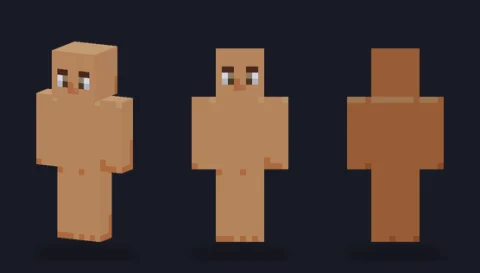
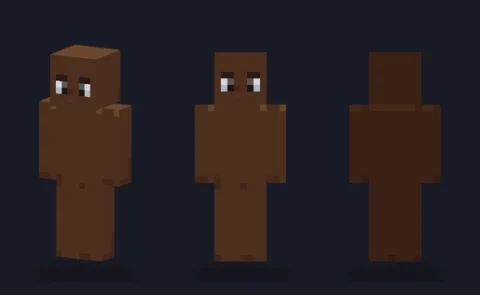
A hair-ready body in tone 6 (espresso) with a simple face and soft three-side shading: the blank figure to dress into your own character.

Our take
The deepest tone in the set, with enough separation between its four shades that the body still looks solid rather than flat.
What it's good for
Very dark skin tones and characters dressed in pale or bright colours. On a slim frame it suits athletic or stylised characters; it is also a good base for dark fantasy figures once you add your own glowing eyes on the overlay.
Design notes
Espresso skin is the hardest to shade because dark tones crush together in game. The same shading recipe as the other bodies produces bigger absolute steps here: the lifted head top (#694d3c) sits well clear of the front (#553522), so the three-side shading survives darker lighting. The eyes are near-black with white corners. The overlay layer is empty.
Measured palette: the main colour groups in the file, with the share of painted pixels each covers.
#492b1c51%#55352233%#724c3010%#3e22186%
Customise it in the editor
- Paint a light-coloured outfit first and check it at night in game: this tone shows how well your clothing shading holds up.
- For hair, use a colour with a slight hue (deep brown, plum, blue-black) rather than pure black so it separates from the skin.
- Add eye-light pixels on the overlay head front if you want a fantasy look without repainting the face.
Open plain base, espresso in the editor to try these: it loads on the slim model, and the classic version is one click away too.
Classic or slim?
Opens on Slim. Classic is there for a broader build; both use the same four espresso tones.