Minecraft skin base · Suits
Charcoal suit
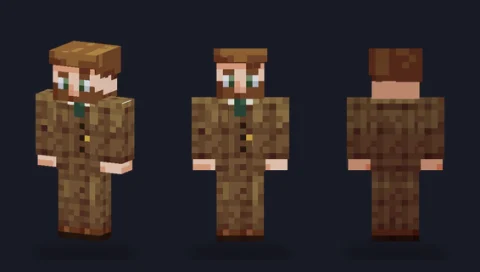
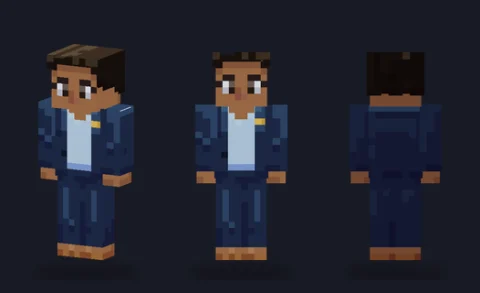
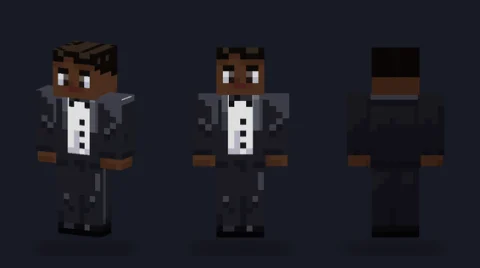
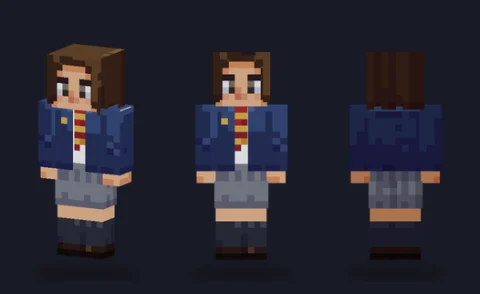
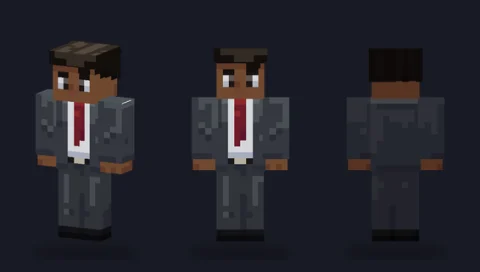
A charcoal two-piece suit with an open jacket, crisp white shirt, slim burgundy tie and polished black shoes.

Our take
The everyday business suit: charcoal, open jacket, white shirt and a slim burgundy tie. It's the base to start from for any formal character.
What it's good for
Office workers, detectives, agents and any formal roleplay. Charcoal recolours easily to black, navy or grey.
Design notes
The jacket is an outer-layer piece that opens at the front to show the white shirt and the narrow burgundy tie. On the base layer the shirt cuffs peek out at the wrists, the trousers match the jacket and a belt with a pale buckle sits at the waist. Slicked-back hair takes about 180 hat pixels.
Measured palette: the main colour groups in the file, with the share of painted pixels each covers.
#d7dae525%#2b2d3720%#3b323520%#14101214%#53443f13%#5a5e697%
Customise it in the editor
- Change the tie colour first: it's the cheapest way to change the character's personality.
- Remove the jacket by hiding the overlay to get a shirt-and-tie look.
- Add a pocket square with two bright pixels on the jacket's left chest.
Open charcoal suit in the editor to try these: it loads on the classic model, and the slim version is one click away too.
Classic or slim?
Opens on Classic. Suits read as broader on Classic arms; Slim gives a slimmer tailored fit.