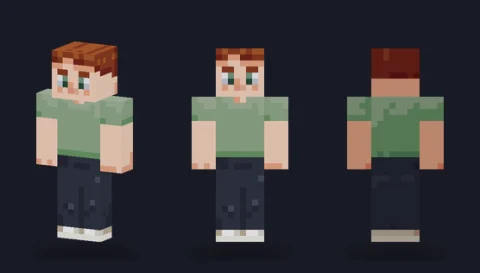
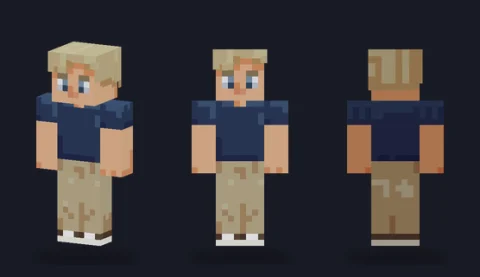
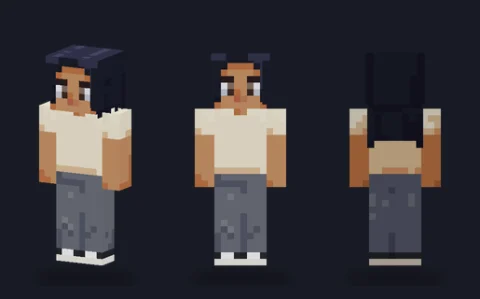
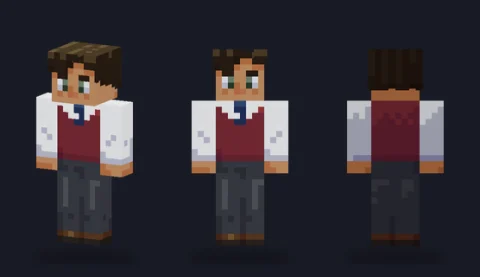
Minecraft skin base · Hair
Swept quiff, jet black
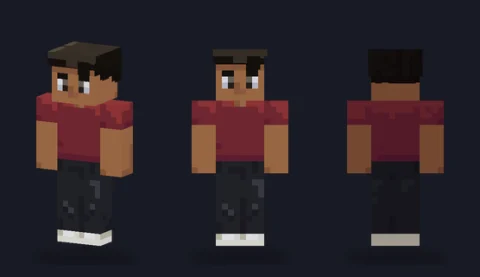
A jet-black swept quiff that rises off the forehead on the overlay layer, with a burgundy tee and black jeans.

Our take
A confident, high-contrast hairstyle: the jet-black quiff rises off the forehead on the overlay, so the silhouette changes, not just the colour.
What it's good for
Rock-and-roll, retro or street-style characters, and short hair that still has a shape from behind and above. The burgundy tee and black jeans are deliberately simple to repaint.
Design notes
Black hair is hard to shade, so the quiff's colour ramp pushes its shadows towards blue-violet and its highlights towards a warm brown instead of plain grey. Around 180 overlay pixels build the raised front, so the hairline genuinely lifts off the forehead. The measured palette is dominated by the warm tone-4 skin, the near-black hair and the burgundy tee.
Measured palette: the main colour groups in the file, with the share of painted pixels each covers.
#7a4a3523%#1d1d2522%#68313419%#a3755814%#15110f13%#49223010%
Customise it in the editor
- Change the quiff to a bright dye colour (red, blue) with Fill on the overlay first, then the base, so roots and tips can differ.
- Add a leather jacket on the overlay body and sleeves; the quiff already sets the mood.
- Use Lighten once on the front row of the quiff to exaggerate the lift.
Open swept quiff, jet black in the editor to try these: it loads on the classic model, and the slim version is one click away too.
Classic or slim?
Opens on Classic, which fits the broader rockabilly silhouette. Slim works if you want a leaner character.