Original art · classic and slim · free for any use
Minecraft skins
Free Minecraft skins we drew ourselves: girls and boys, knights and ninjas, onesies, food costumes, cats and anime-style heroes, plus our skin bases. Tap any skin to turn it in 3D and switch between classic and slim arms, then download the PNG or open it in the skin editor to change it first.
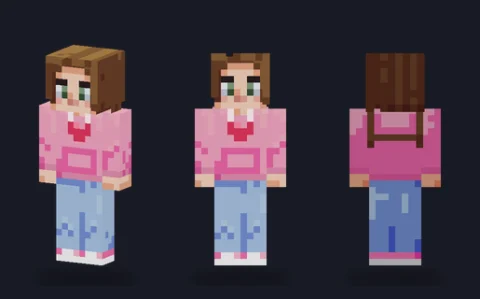 Pink hoodie girlEditPNG
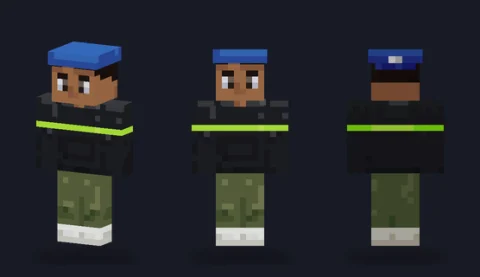 Streetwear hoodieEditPNG
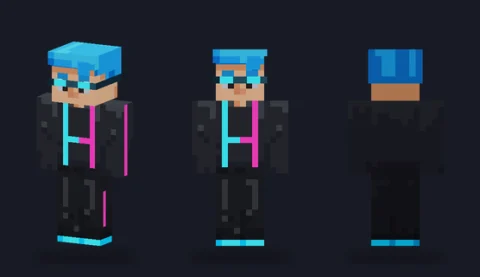 Neon cyber runnerEditPNG
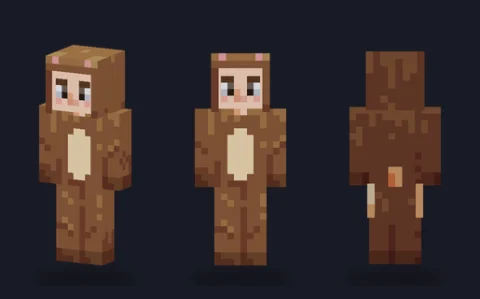 Bear onesieEditPNG
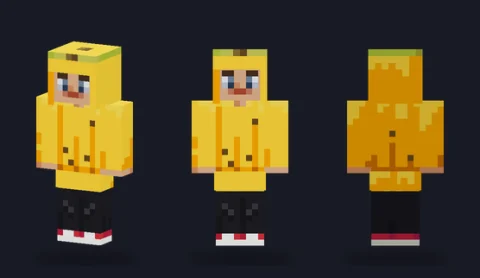 Banana suitEditPNG
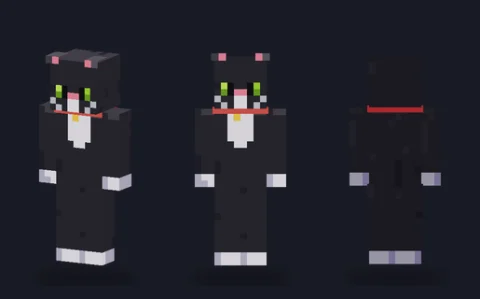 Black catEditPNG
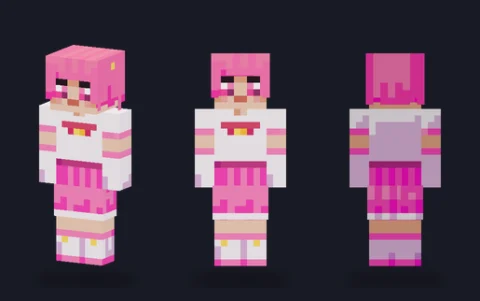 Magical girlEditPNG
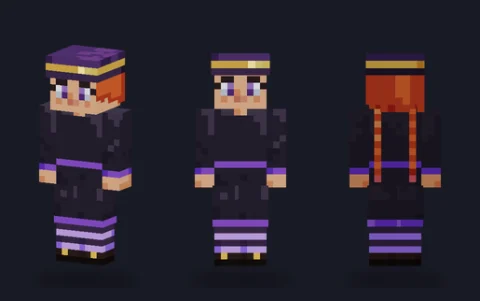 Witch apprenticeEditPNG
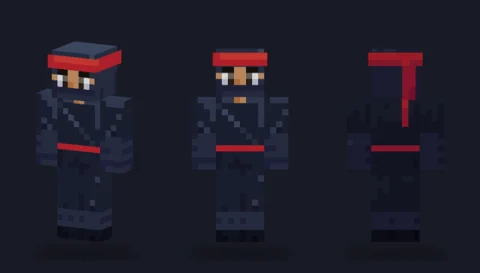 Shadow ninjaEditPNG
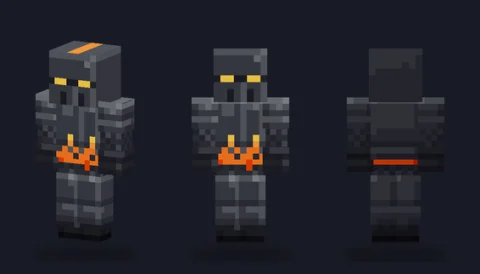 Flame knightEditPNG
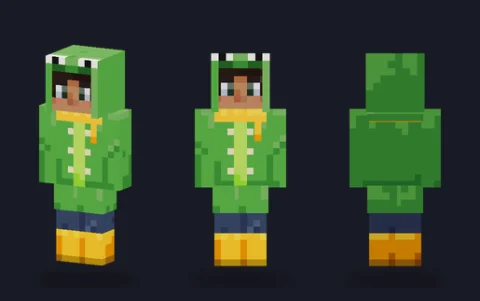 Frog raincoatEditPNG
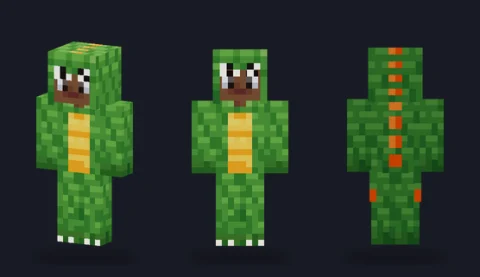 Dinosaur costumeEditPNG
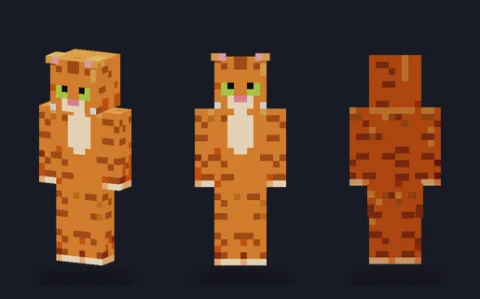 Orange tabbyEditPNG
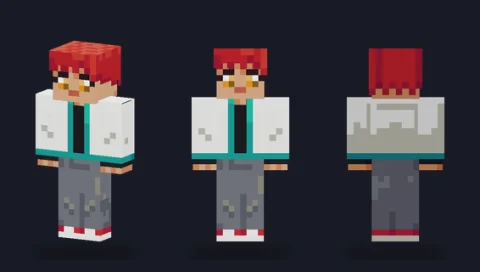 Spiky-hair heroEditPNG
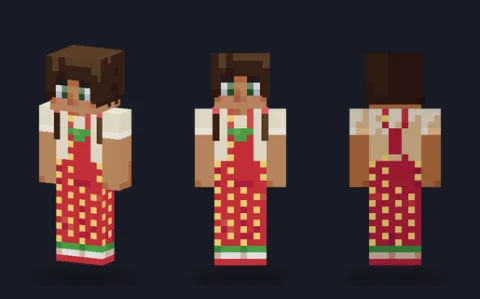 Strawberry overallsEditPNG
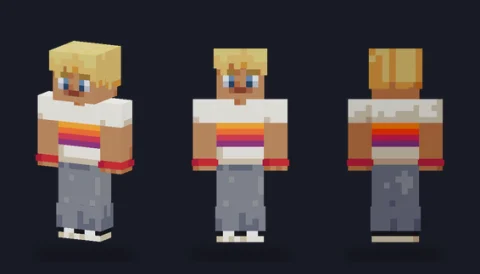 Skater boyEditPNG
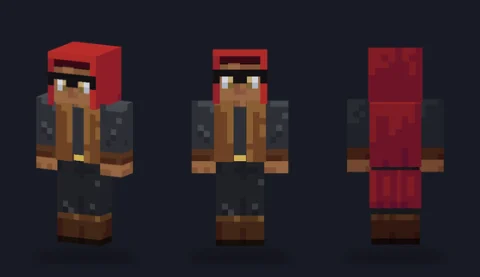 Masked rogueEditPNG
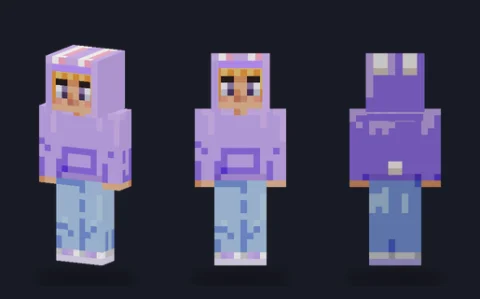 Bunny hoodieEditPNG
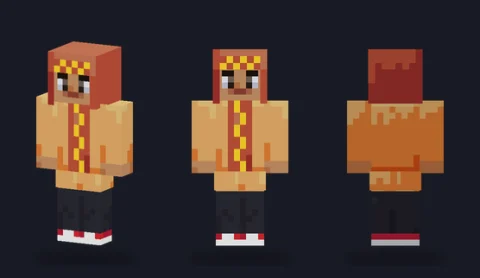 Hot-dog costumeEditPNG
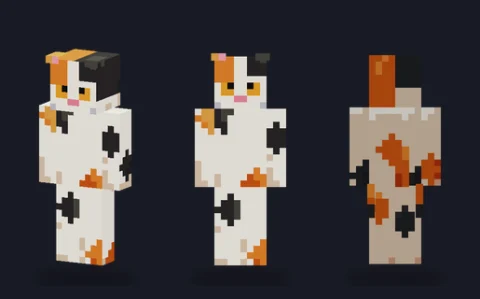 Calico catEditPNG
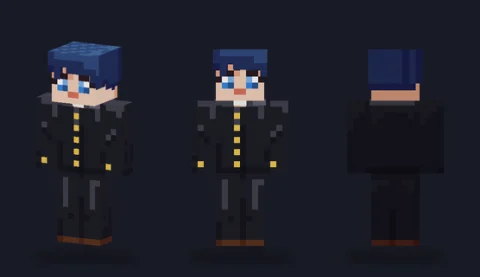 School uniform boyEditPNG
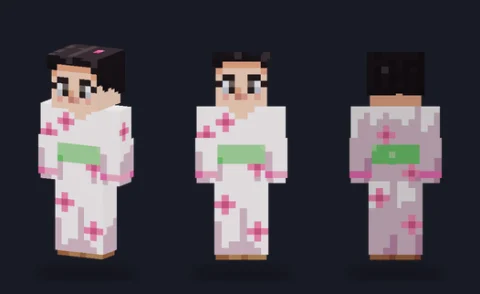 Blossom robeEditPNG
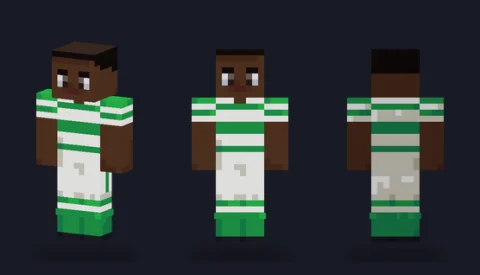 FootballerEditPNG
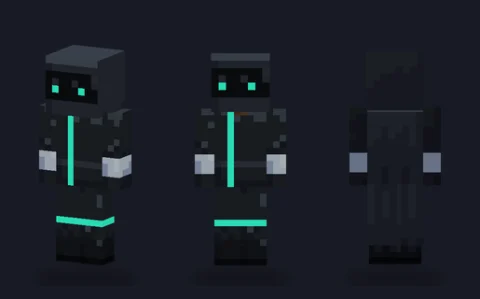 Shadow assassinEditPNG
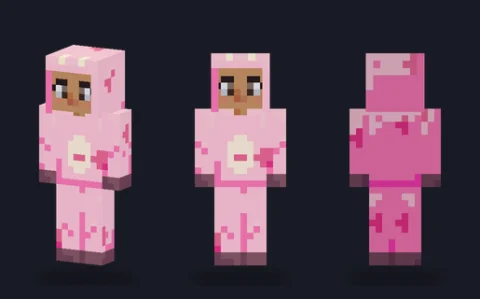 Strawberry cowEditPNG
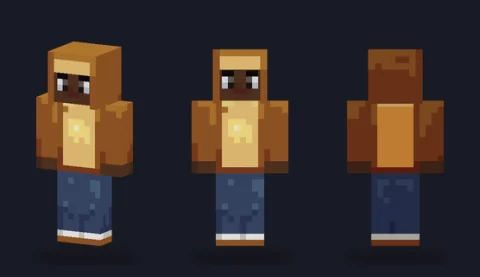 Toast sliceEditPNG
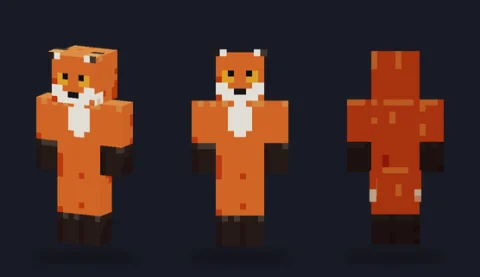 Red foxEditPNG
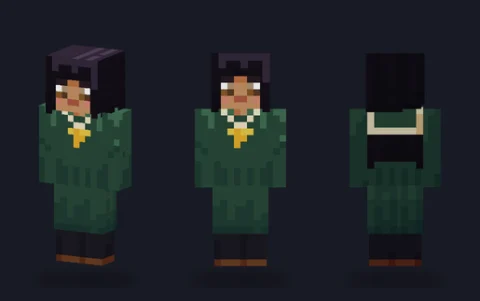 Sailor uniform girlEditPNG
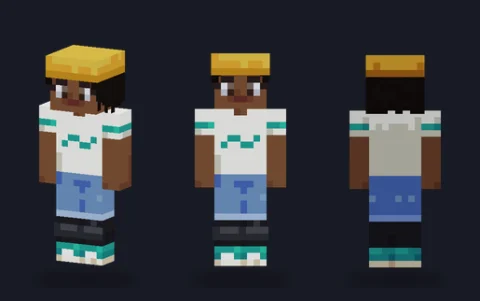 Skater girlEditPNG
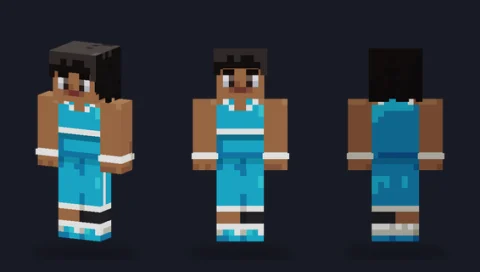 Basketball playerEditPNG
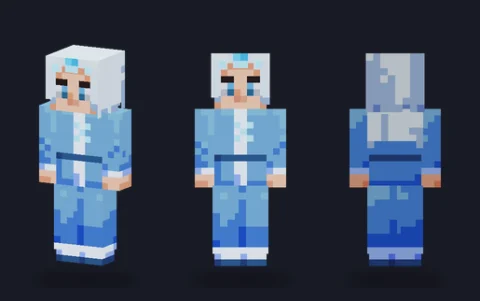 Ice mageEditPNG
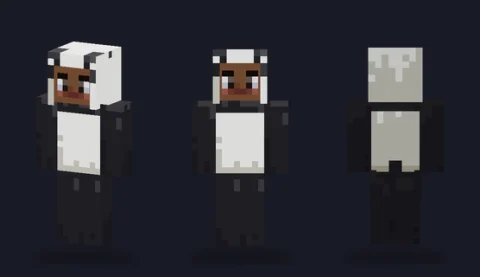 Panda onesieEditPNG
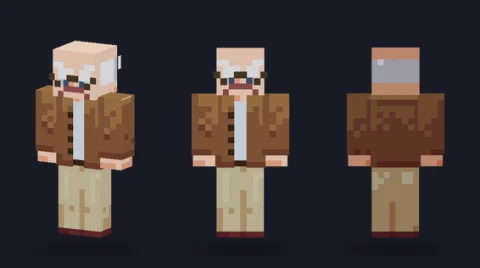 Grumpy grandpaEditPNG
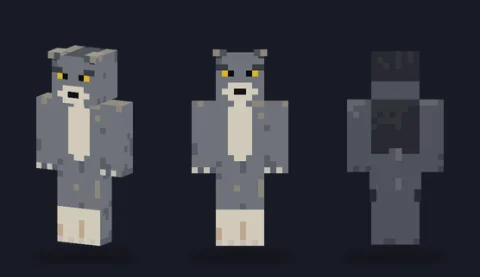 Grey wolfEditPNG
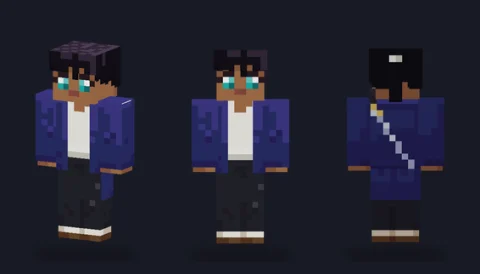 Sword prodigyEditPNG
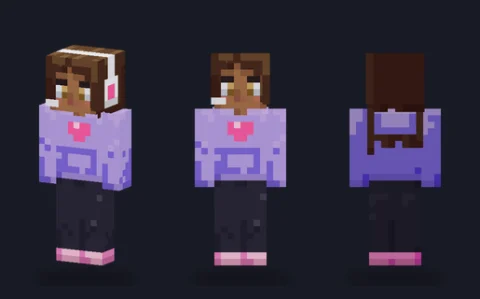 Gamer girlEditPNG
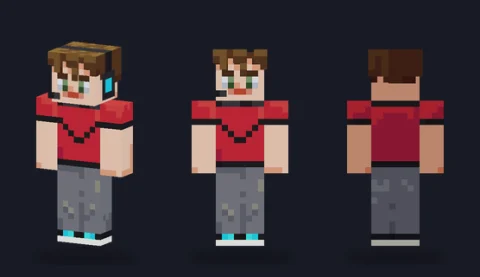 Gamer boyEditPNG
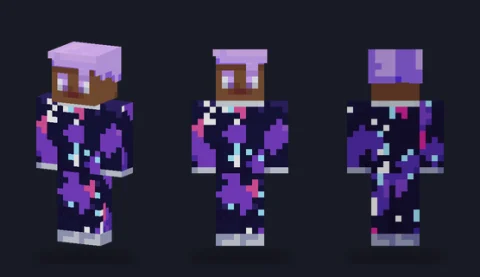 Galaxy suitEditPNG
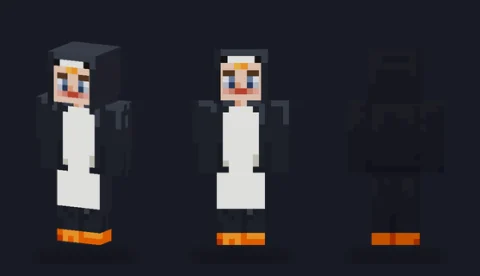 Penguin suitEditPNG
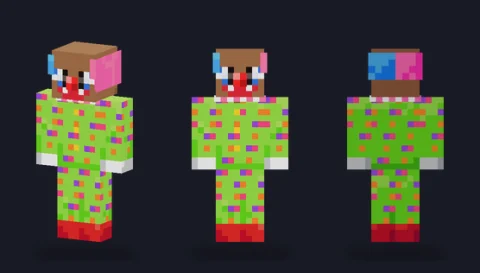 Party clownEditPNG
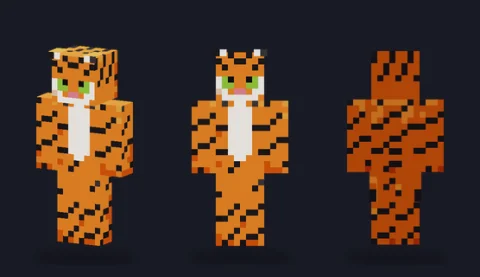 TigerEditPNG
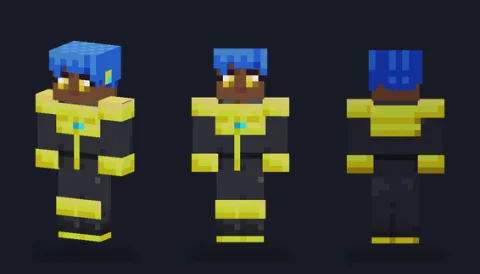 Mecha pilotEditPNG
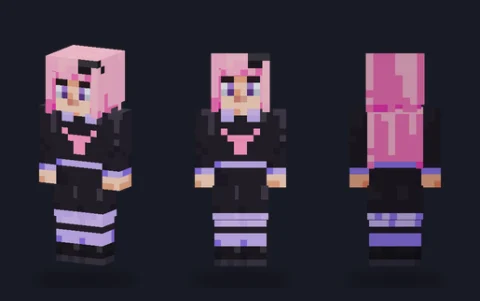 Pastel gothEditPNG
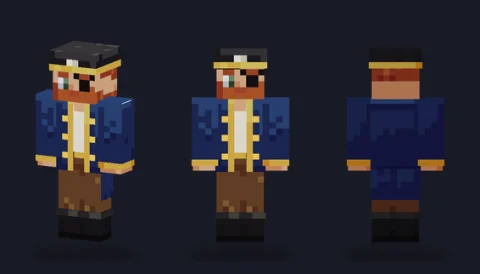 Pirate captainEditPNG
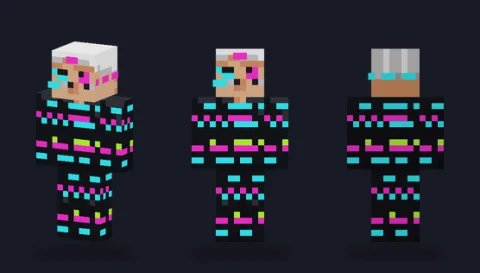 Glitch figureEditPNG
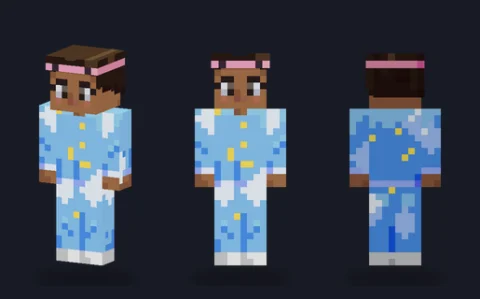 Cloud pyjamasEditPNG
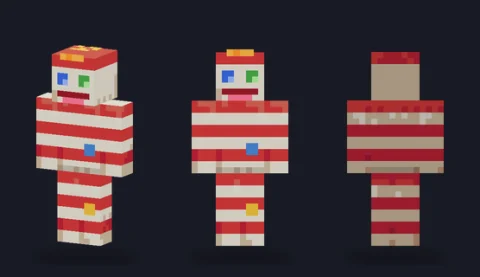 Sock puppetEditPNG
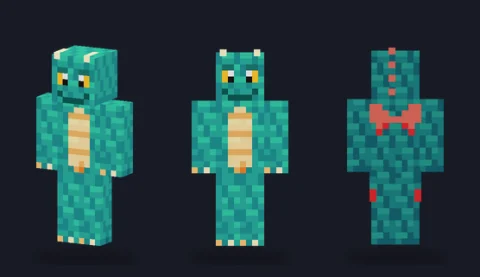 Baby dragonEditPNG
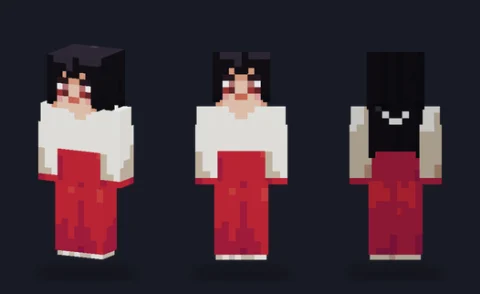 Shrine guardianEditPNG
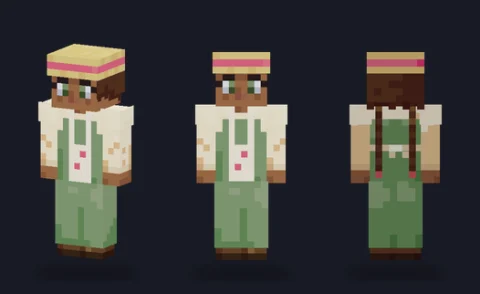 Cottagecore farmerEditPNG
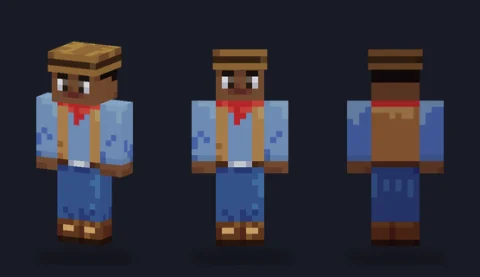 CowboyEditPNG
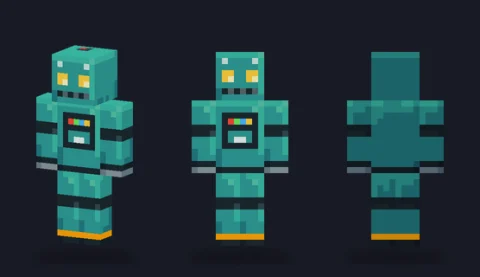 Retro robotEditPNG
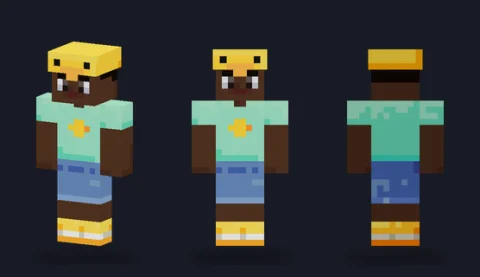 Duck hatEditPNG
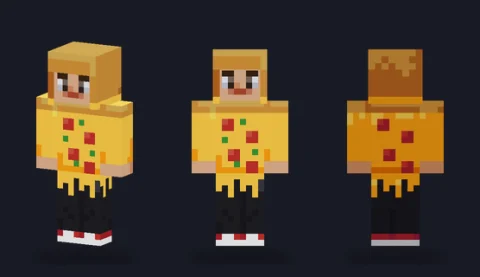 Pizza-slice costumeEditPNG
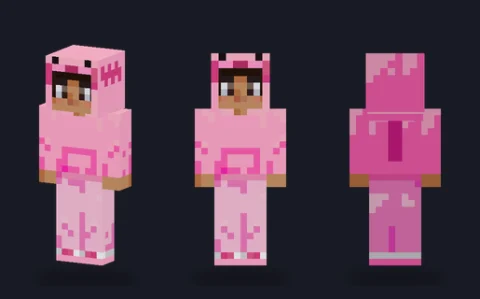 Axolotl hoodieEditPNG
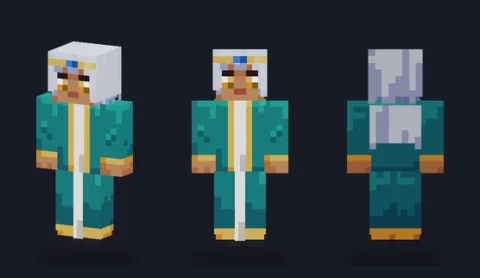 Silver-hair mageEditPNG
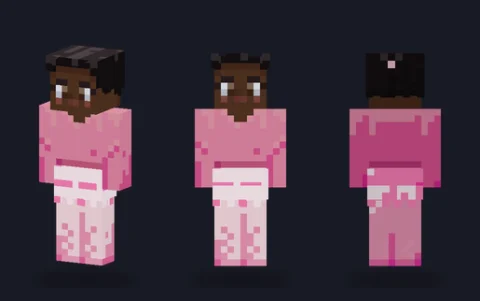 BallerinaEditPNG
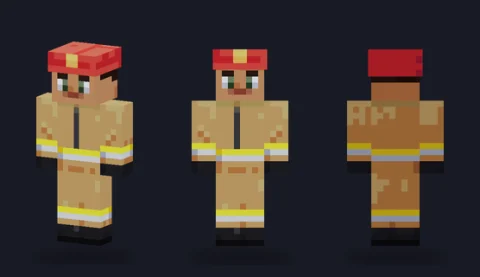 FirefighterEditPNG
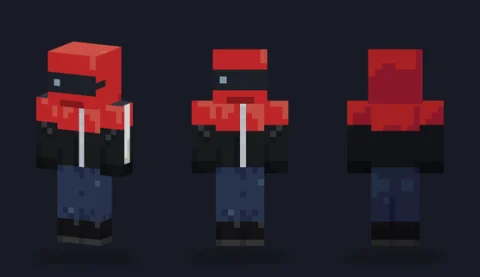 Motorbike riderEditPNG
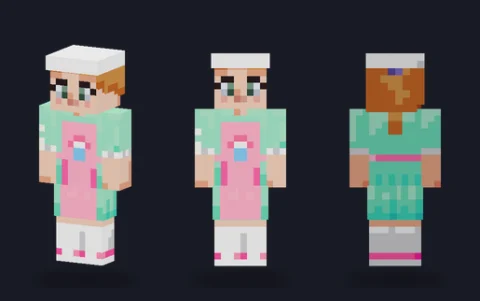 Pastel bakerEditPNG
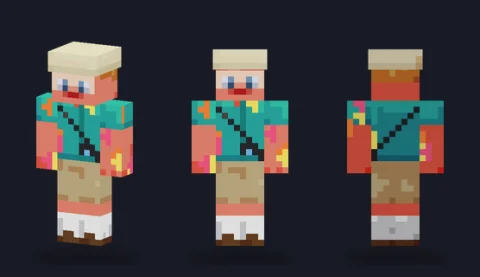 Sunburnt touristEditPNG
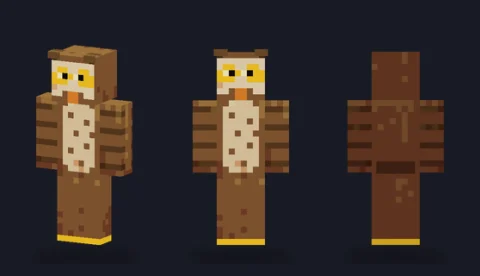 Brown owlEditPNG
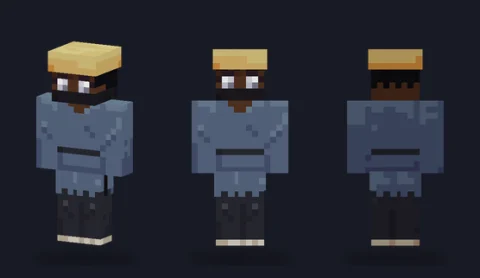 Masked roninEditPNG
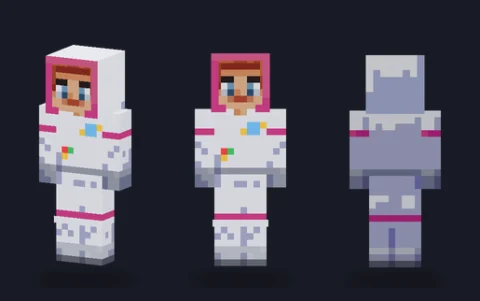 Astronaut girlEditPNG
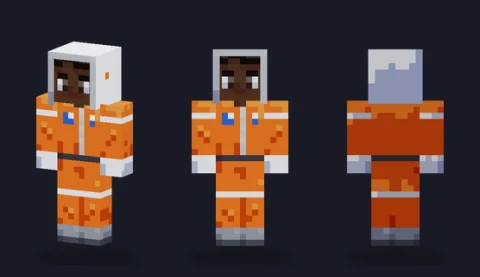 Astronaut boyEditPNG
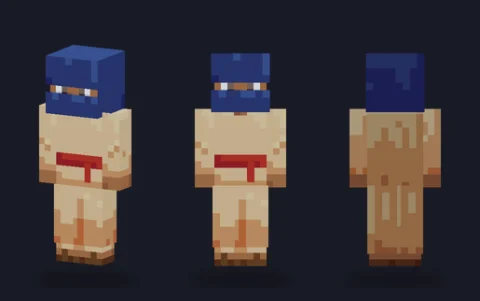 Desert nomadEditPNG
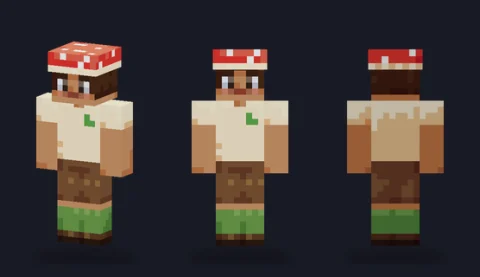 Mushroom capEditPNG
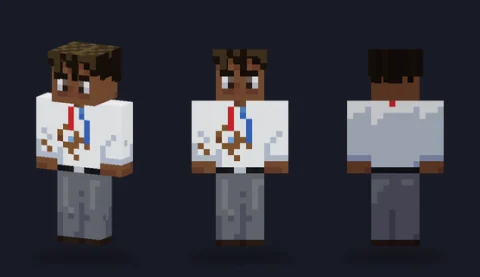 Coffee-stained office workerEditPNG
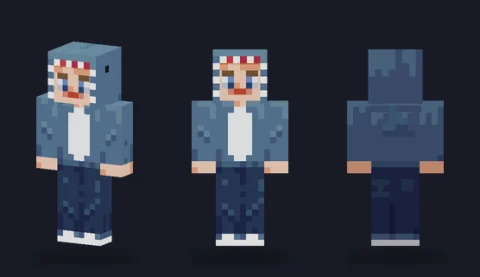 Shark hoodieEditPNG
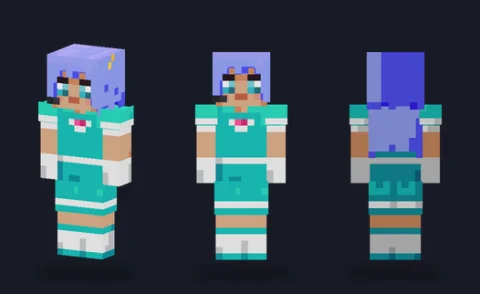 Idol singerEditPNG
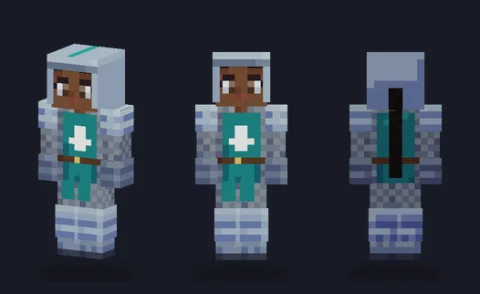 Knight girlEditPNG
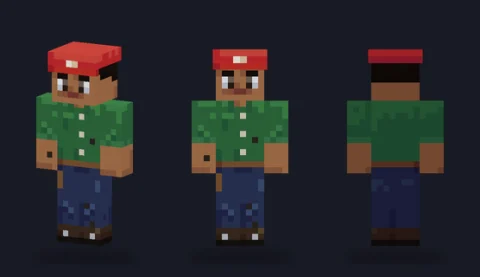 Mechanic boyEditPNG


Browse skins by type
- Minecraft girl skinsGirl skins from cosy to fierce: a pink hoodie, a royal gown, a pirate, a frost mage, a footballer, a punk rocker and plenty more.
- Minecraft boy skinsBoy skins for every kind of player: a streetwear hoodie, a basketball kit, a cowboy, a firefighter, a lumberjack, a hacker and a run of anime heroes.
- Cool Minecraft skinsCool skins lean on contrast: dark armour with one bright accent, glowing eyes in a hood, neon lines on black.
- Cute Minecraft skinsSoft colours, round shapes and animal ears: a bear onesie, a frog raincoat, a strawberry cow, a hamster, bubble tea, a mochi blob and plenty of pastel outfits.
- Funny Minecraft skinsSkins for making friends laugh on a server: a banana suit, a hot dog, a taco, a potato in a tux, a sunburnt tourist, a garden gnome, a giant baby, a mime and a cardboard-box robot.
- Cat Minecraft skinsCat skins for players who would rather be a cat: a black cat, an orange tabby and a calico, two hoodies with cat ears, and the big cats, a tiger, a lion and a snow leopard.
- Anime Minecraft skinsAnime-style skins with big eyes, bold hair and clear uniforms: a magical girl, a spiky-haired hero, a mecha pilot, a sword prodigy, a shrine guardian, a fox spirit and two idols.
How to download and wear a skin
- Tap a skin to open its page. Turn it in 3D to check the back and sides.
- Choose Classic (4-pixel arms) or Slim (3-pixel arms). Every skin here is drawn as two separate files, one for each arm width.
- Press the download button for that file. You get a 64×64 PNG.
- On Java, set the skin on your account at the official Minecraft site or in the launcher. On Bedrock, use the in-game skin picker and its Import option. Pick the same arm model as the file.
Upload the PNG exactly as you downloaded it. Opening it in a photo app that resizes it or saves it as a JPG is the usual reason the game rejects a skin or shows it blurred. Our guide to exporting and uploading a skin covers the details.
Change a skin before you wear it
Press Edit on any card, or Edit in PixelPelt on a skin's page, and the skin loads straight into our browser editor in the arm model you picked. Nothing is uploaded: the editor runs on your device, and you download the result.
- Recolour: use Fill on each tone of a garment, darkest first. The folds and shading stay in place.
- Change the face: eyes, mouth and hair sit on the front and top of the head. Put glasses and hats on the outer layer, so you can remove them later without repainting the face.
- Swap clothes: hide the outer layer to see what is underneath, then paint the jacket, hood or armour pieces you want.
If you would rather build a character from the ground up, start from a skin base or the colour-coded skin template.
Where these skins come from
We drew every skin on this page, in code, as original characters. There are no uploads from players, no skins copied from other sites and no characters from games, films or shows. That is why the catalog has no download counts or Trending tab: we don't track what you download, so any ranking would be made up.
Each skin is drawn twice, once for each arm width, rather than one file with a column shaved off. A skin worn on the wrong model shows a stripe or a gap down the arms, so each skin's page lets you check both before you download. The light falls from above and in front, on the character's left, so every skin here shades the same way when you mix pieces from several.
Licence
Original artwork drawn in code for PixelPelt. Free to use, edit, share and sell; no credit needed. That covers every skin on this page and its classic and slim files. You may wear them as they are or edited, share skins you make from them, and sell your own skins built on them. A credit line is welcome but never required.
Every skin, A to Z
- Airline pilot
- Archer girl
- Astronaut boy
- Astronaut girl
- Avocado costume
- Axolotl hoodie
- Baby chick
- Baby dragon
- Ballerina
- Banana suit
- Barista
- Baseball player
- Basketball player
- Bat
- Bear onesie
- Bin bag
- Birthday cake
- Black cat
- Blossom robe
- BMX rider
- Bounty hunter
- Boxer girl
- Brown bunny
- Brown owl
- Bubble tea
- Bunny hoodie
- Burger costume
- Calico cat
- Cardboard-box robot
- Carrot costume
- Cat-ear hoodie girl
- Cheerleader
- Chef boy
- Chef girl
- Chicken nugget
- Chicken suit
- Chrome robot
- Cloud pyjamas
- Coffee-stained office worker
- Cottagecore farmer
- Cowboy
- Cowgirl
- Crystal golem
- Cupcake costume
- Cyborg
- Deep-sea diver
- Demon hunter
- Denim jacket girl
- Desert explorer
- Desert nomad
- Detective boy
- Detective girl
- Dinosaur costume
- DJ girl
- Dragon knight
- Duck hat
- Electric samurai
- Elf ranger
- Farmer boy
- Fawn deer
- Festival yukata
- Figure skater
- Firefighter
- Flame knight
- Flannel camper
- Florist
- Flower crown
- Footballer
- Footballer girl
- Fox spirit
- Frog raincoat
- Frost knight
- Frost mage
- Galaxy suit
- Gamer boy
- Gamer girl
- Garden gnome
- Gardener
- Giant baby
- Giant panda
- Glitch figure
- Gold armour
- Gothic sorceress
- Granny in curlers
- Green gecko
- Grey wolf
- Grumpy grandpa
- Hacker hoodie
- Hamster
- Hazmat suit
- Hedgehog
- Hiker girl
- Hip-hop dancer
- Honeybee
- Hooded archer
- Horned demon girl
- Hot-dog costume
- Husky
- Ice mage
- Ice-cream cone
- Idol boy
- Idol singer
- Jellyfish
- Jungle explorer
- Jungle tracker
- Kendo student
- Kitten-ear hoodie
- Knight girl
- Koala
- Kunoichi
- Lava golem
- Leaf-dress fairy
- LED-jacket DJ
- Librarian
- Lifeguard
- Lion
- Little lamb
- Lobster costume
- Long-coat delinquent
- Lumberjack
- Macaw parrot
- Magical girl
- Masked rogue
- Masked ronin
- Mecha pilot
- Mechanic boy
- Mechanic girl
- Milk carton
- Mime
- Mint sweater
- Mochi blob
- Monkey
- Motorbike rider
- Mushroom cap
- Neon cyber runner
- Neon skater
- Orange tabby
- Painter
- Panda onesie
- Party clown
- Pastel baker
- Pastel goth
- Pastel witch
- Patchwork teddy
- Penguin suit
- Phantom cloak
- Pharaoh
- Pickle costume
- Piggy onesie
- Pink hoodie girl
- Pirate captain
- Pirate girl
- Pizza-slice costume
- Plague doctor
- Polar bear
- Pop star
- Potato in a tux
- Potted cactus
- Puffer-jacket kid
- Punk rocker
- Raccoon
- Racing driver
- Rainbow sweater
- Raincoat girl
- Red fox
- Red panda
- Retro robot
- Rock drummer
- Rock guitarist
- Royal gown
- Rubber duck
- Rune mage
- Sailor uniform girl
- Samurai armour
- Sand warrior
- Scale-dress mermaid
- Scarf rival
- School cardigan
- School uniform boy
- Scientist
- Scout
- Shadow assassin
- Shadow king
- Shadow ninja
- Shark hoodie
- Shiba dog
- Shrine guardian
- Silver-hair mage
- Skater boy
- Skater girl
- Skeleton biker
- Ski jacket boy
- Ski suit girl
- Sleepy nightcap
- Slippers dad
- Snow leopard
- Snowman
- Sock puppet
- Space cadet
- Space marine
- Spiky-hair hero
- Spy in a suit
- Star hoodie
- Star pyjamas
- Stealth agent
- Steampunk inventor
- Storm wizard
- Strawberry cow
- Strawberry dress
- Strawberry overalls
- Street artist
- Street racer
- Streetwear girl
- Streetwear hoodie
- Sunburnt tourist
- Sunflower
- Surfer boy
- Surfer girl
- Sushi roll
- Sword prodigy
- Taco costume
- Tape-glasses nerd
- Tennis player
- Tennis player boy
- Thunder warrior
- Tiger
- Toast slice
- Toilet-paper mummy
- Traffic cone
- Unicorn onesie
- Vampire countess
- Viking raider
- Void walker
- Waiter
- Wasteland survivor
- Werewolf
- Winter parka girl
- Witch apprentice
- Yoga girl
- Young knight
Frequently asked questions
Are these Minecraft skins free?
Yes. Every skin here is original art drawn for PixelPelt, and you can wear, edit, share and sell skins made from them without asking and without credit.
How do I download a skin?
Tap the skin, pick Classic or Slim, and press the download button for that file. You get a 64×64 PNG that you upload to the game as it is, choosing the same arm model.
Do they work on Java and Bedrock?
Yes. They are standard 64×64 skins, which both editions accept. On Java you set the skin on your account at the official Minecraft site or in the launcher; on Bedrock you import it from the in-game skin picker.
Can I upload my own skin here?
No. We only publish skins we drew, so everything on this page is safe to use. To make your own, open the skin editor, or start from any skin here and press Edit.
Why is there no Trending or Most popular list?
We don't track downloads, likes or views, so we can't rank skins by popularity and won't pretend to. Use the type, colour and model filters, or the Random order to see something new.