Original characters · classic and slim · free for any use
Cute Minecraft skins
Soft colours, round shapes and animal ears: a bear onesie, a frog raincoat, a strawberry cow, a hamster, bubble tea, a mochi blob and plenty of pastel outfits. Every one is an original character we drew. Tap a skin to turn it in 3D, then download it or open it in the editor.
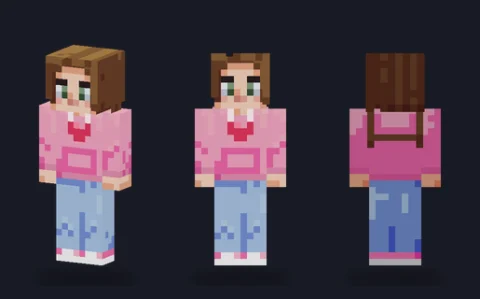 Pink hoodie girlEditPNG
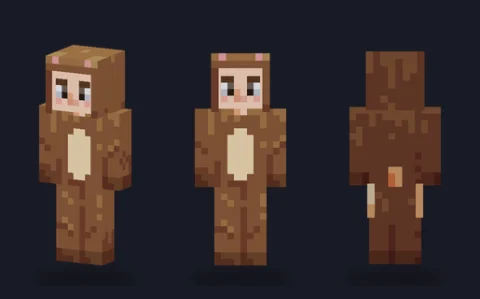 Bear onesieEditPNG
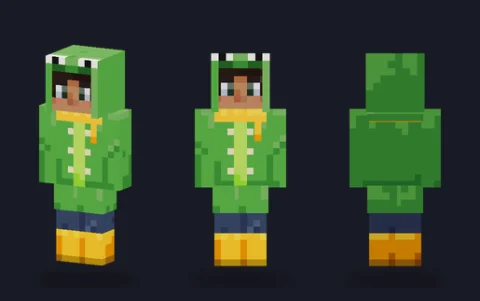 Frog raincoatEditPNG
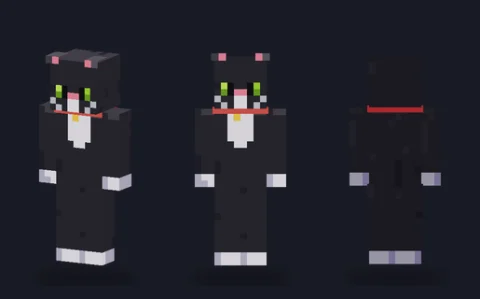 Black catEditPNG
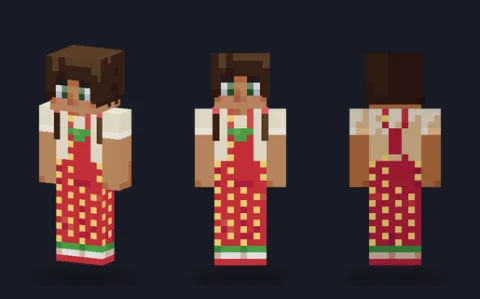 Strawberry overallsEditPNG
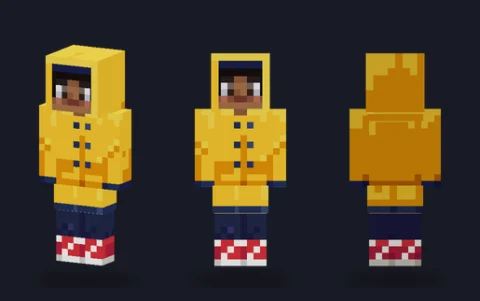 Raincoat girlEditPNG
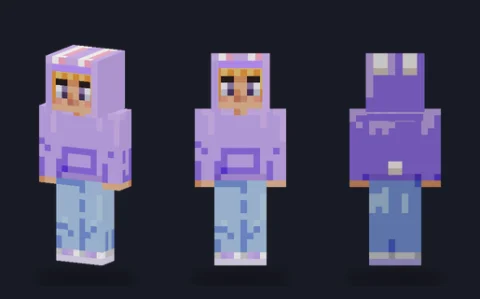 Bunny hoodieEditPNG
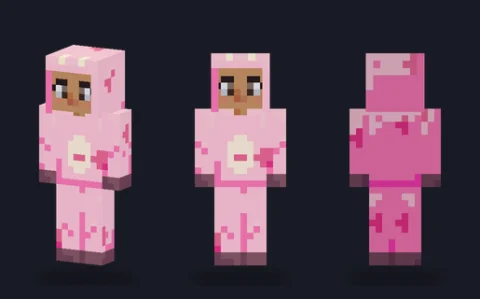 Strawberry cowEditPNG
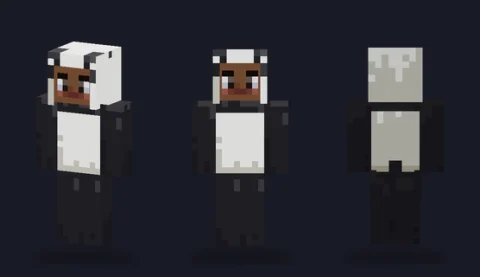 Panda onesieEditPNG
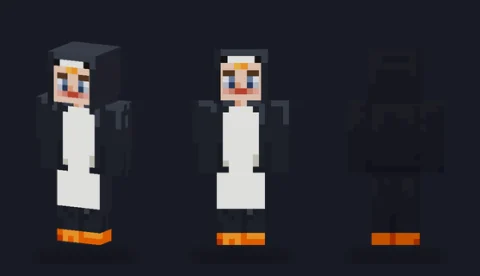 Penguin suitEditPNG
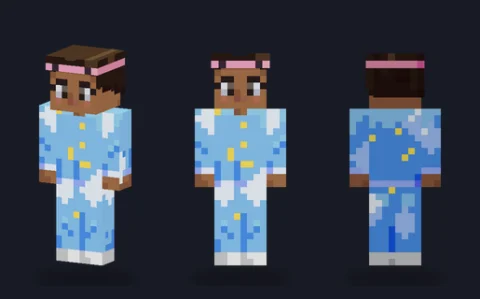 Cloud pyjamasEditPNG
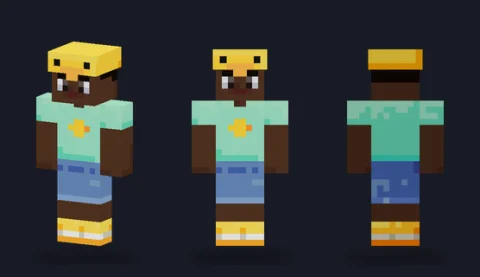 Duck hatEditPNG
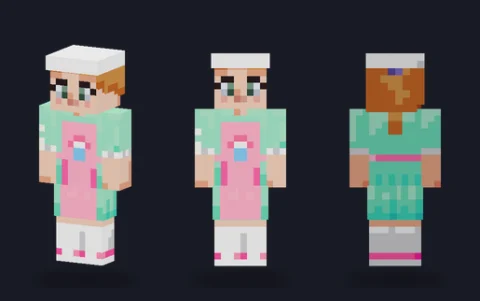 Pastel bakerEditPNG
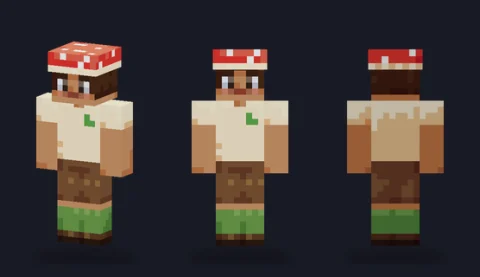 Mushroom capEditPNG
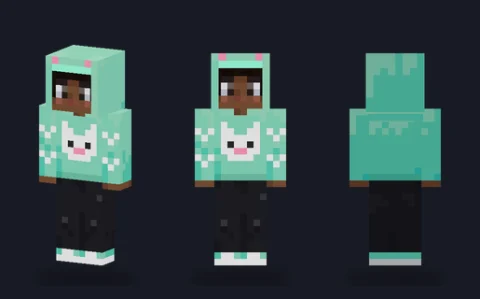 Kitten-ear hoodieEditPNG
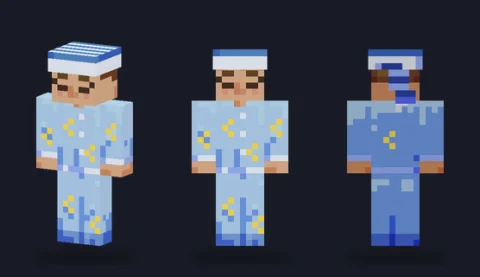 Sleepy nightcapEditPNG
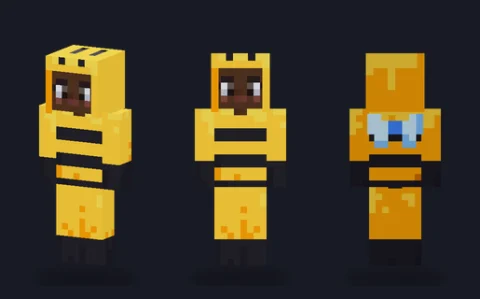 HoneybeeEditPNG
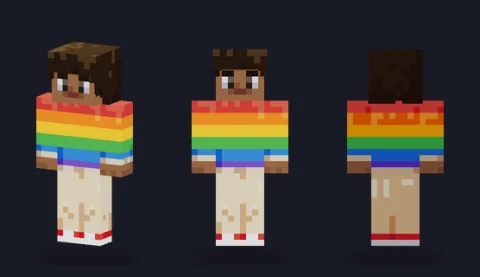 Rainbow sweaterEditPNG
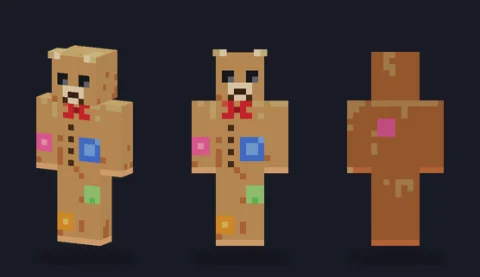 Patchwork teddyEditPNG
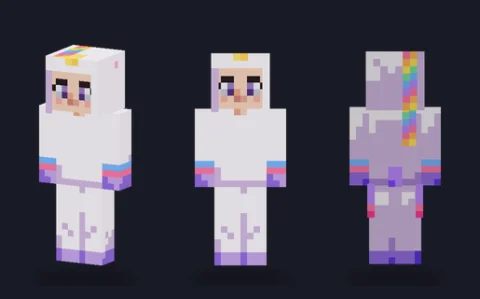 Unicorn onesieEditPNG
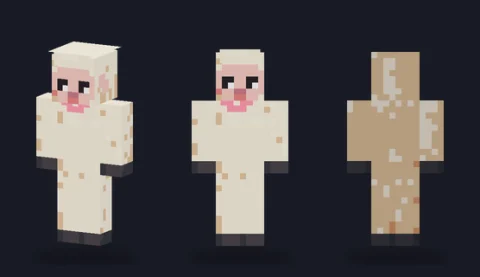 Little lambEditPNG
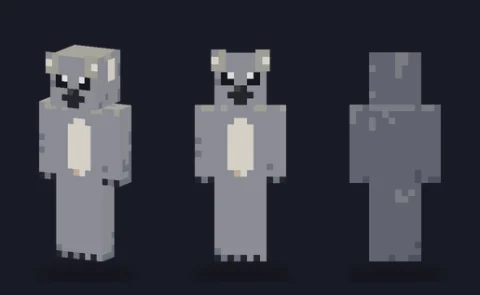 KoalaEditPNG
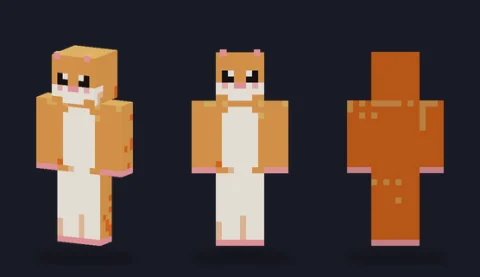 HamsterEditPNG
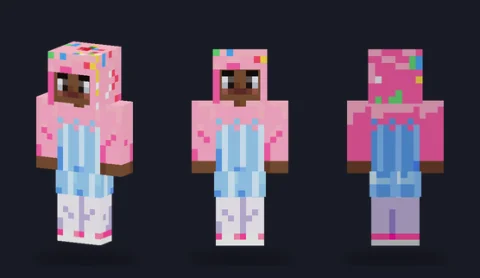 Cupcake costumeEditPNG
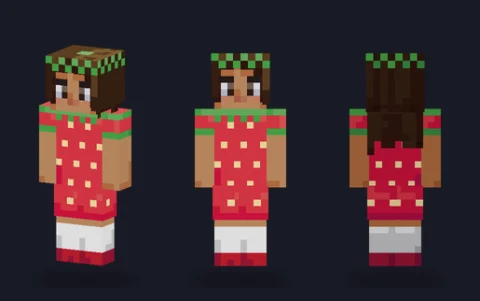 Strawberry dressEditPNG
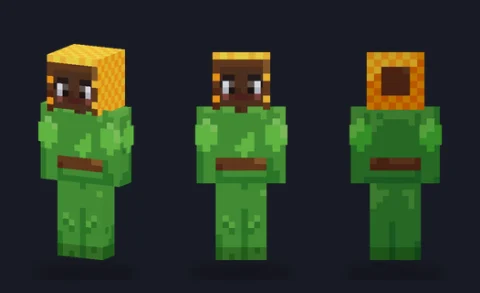 SunflowerEditPNG
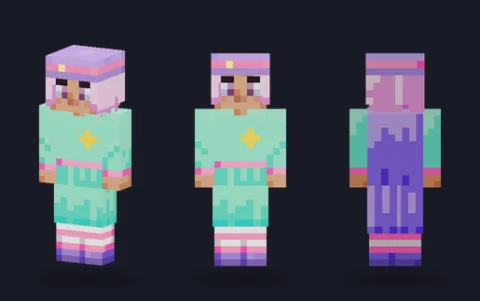 Pastel witchEditPNG
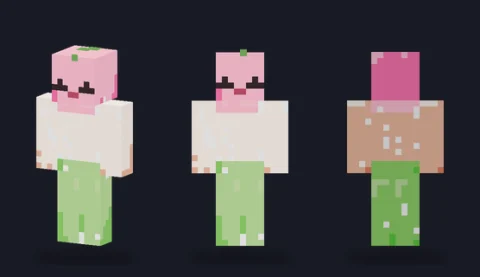 Mochi blobEditPNG
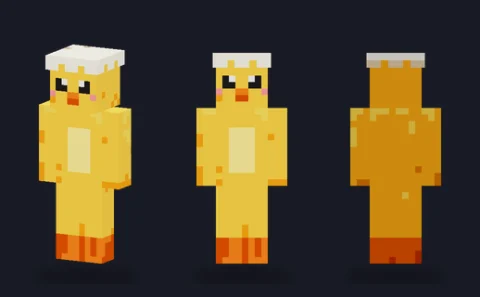 Baby chickEditPNG
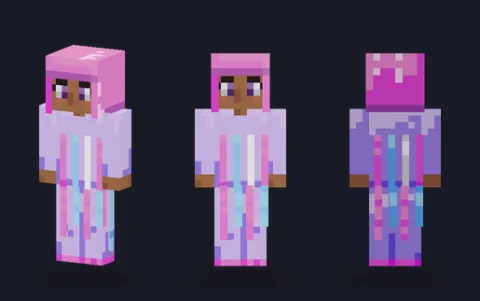 JellyfishEditPNG
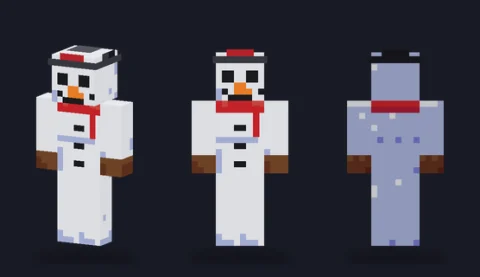 SnowmanEditPNG
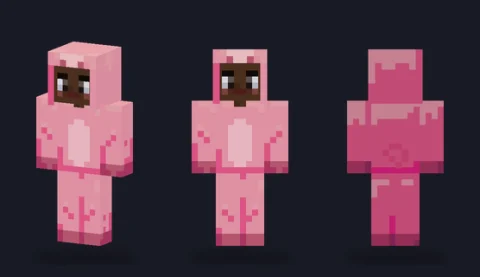 Piggy onesieEditPNG
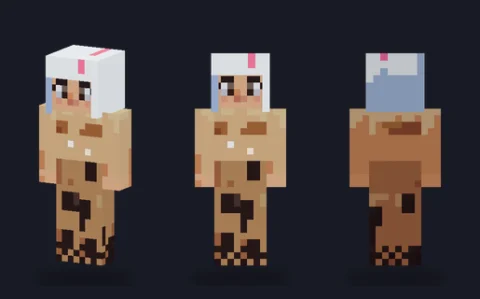 Bubble teaEditPNG
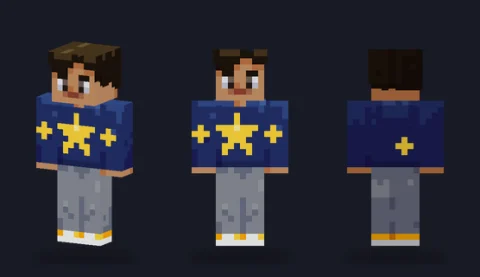 Star hoodieEditPNG
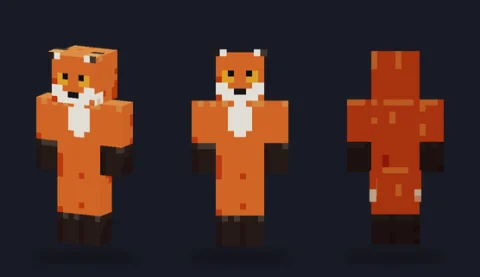 Red foxEditPNG
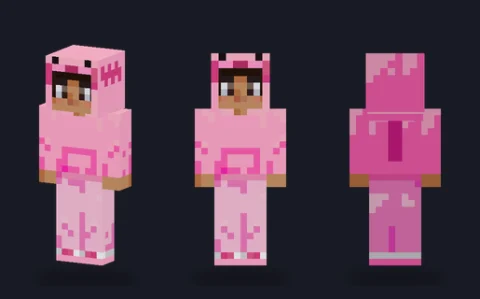 Axolotl hoodieEditPNG
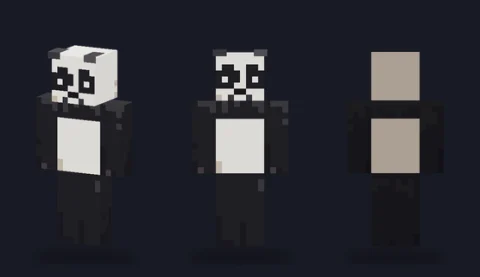 Giant pandaEditPNG
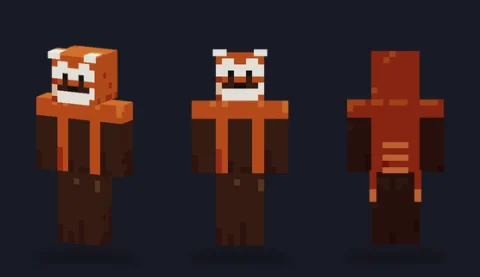 Red pandaEditPNG
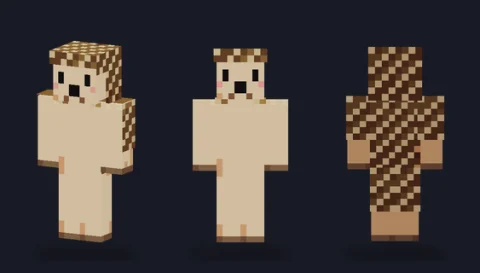 HedgehogEditPNG
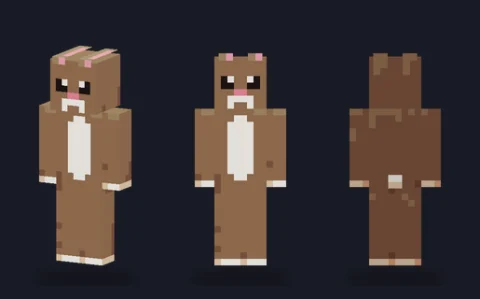 Brown bunnyEditPNG


What makes a skin look cute
Cute skins use light, warm colours with low contrast and a few round details: ears on the top of the hood, a blush under the eyes, a small mouth. The onesies and costume hoods are painted on the outer layer of the head with the face left open, so the character keeps its own face inside the costume.
Ears are the hardest part at this size. They are two or three pixels tall on the hood's outer layer, which is enough to read from behind as well as in front.
Make a cute skin your own
Turn one animal into another by recolouring: a bear onesie filled grey with white patches is a koala, and a pink fill makes a piglet. Keep the ear inner one step lighter than the hood so the ears still show.
For a pastel look on any skin, pick colours with a lot of white in them and keep the darkest tone for the eyes only.
Download, wear or edit
Tap a skin to open its page, choose Classic or Slim, and download that 64×64 PNG; upload it to the game unchanged and pick the same arm model. To change it first, press Edit and it opens in our skin editor, which runs in your browser with nothing uploaded. Original artwork drawn in code for PixelPelt. Free to use, edit, share and sell; no credit needed.
More Minecraft skins
See every skin together on the Minecraft skins page, start from one of our skin bases, or browse another type: