Original characters · slim and classic · free for any use
Minecraft girl skins
Girl skins from cosy to fierce: a pink hoodie, a royal gown, a pirate, a frost mage, a footballer, a punk rocker and plenty more. Every one is an original character we drew, set on the slim model by default and also drawn as a separate classic file. Tap a skin to turn it in 3D, then download it or open it in the editor to make it yours.
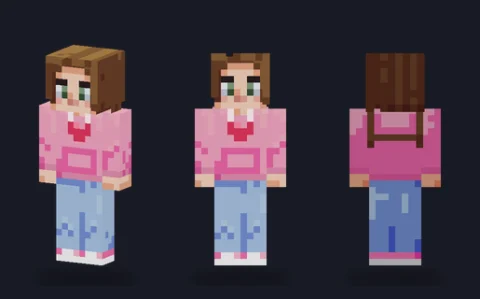 Pink hoodie girlEditPNG
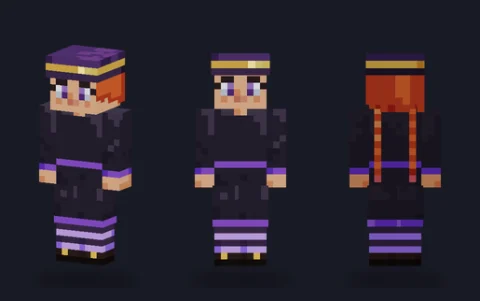 Witch apprenticeEditPNG
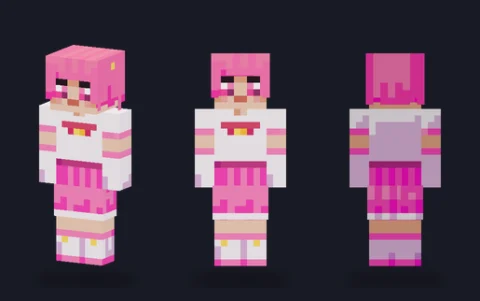 Magical girlEditPNG
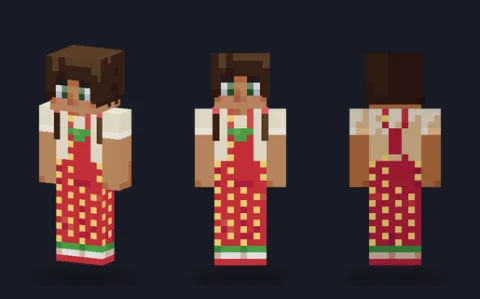 Strawberry overallsEditPNG
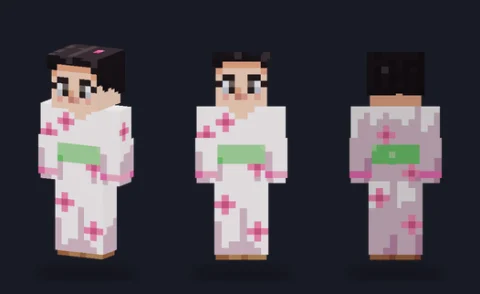 Blossom robeEditPNG
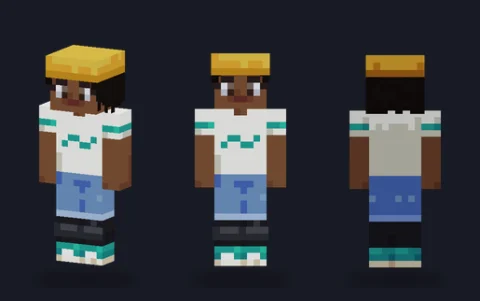 Skater girlEditPNG
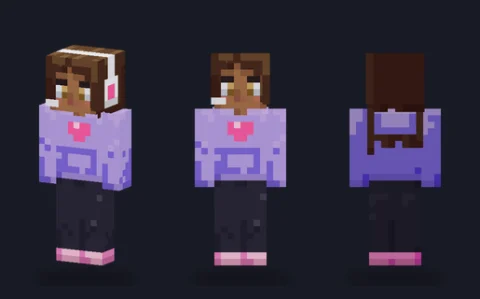 Gamer girlEditPNG
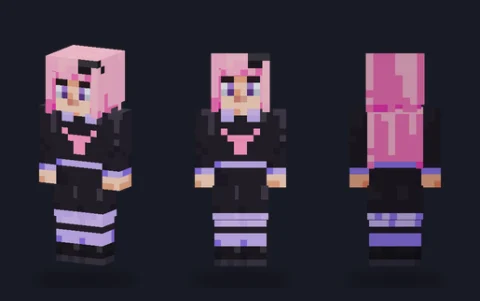 Pastel gothEditPNG
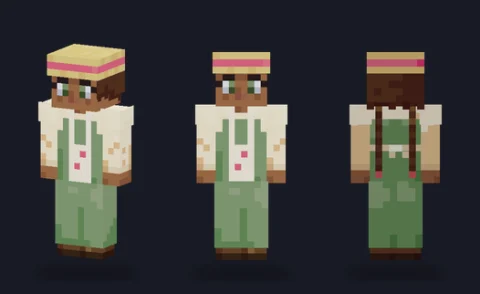 Cottagecore farmerEditPNG
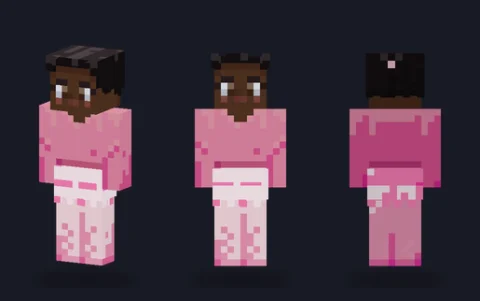 BallerinaEditPNG
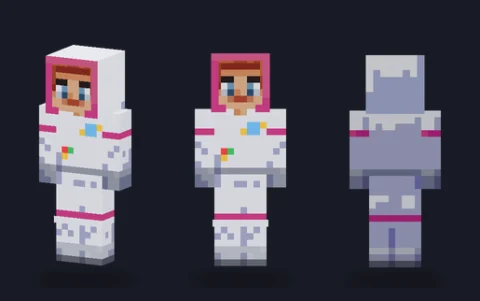 Astronaut girlEditPNG
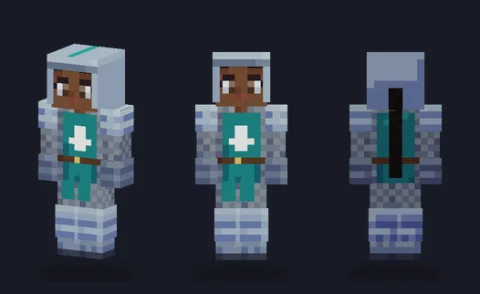 Knight girlEditPNG
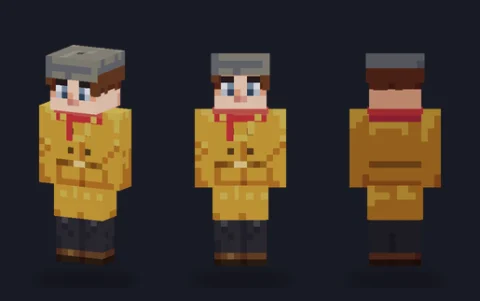 Detective girlEditPNG
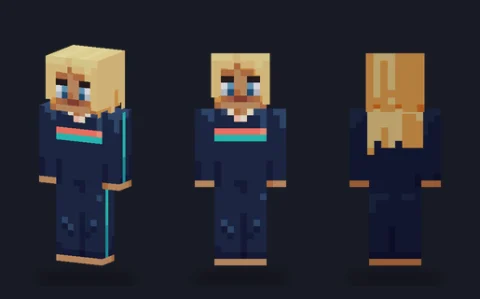 Surfer girlEditPNG
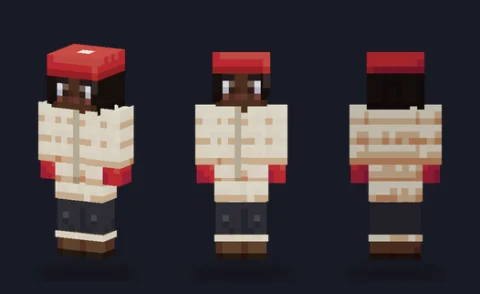 Winter parka girlEditPNG
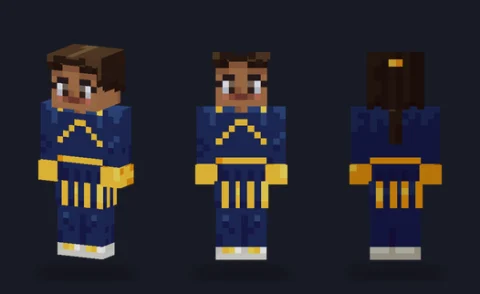 CheerleaderEditPNG
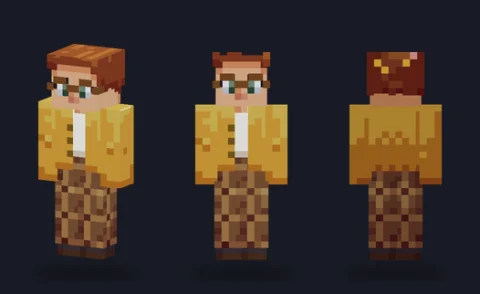 LibrarianEditPNG
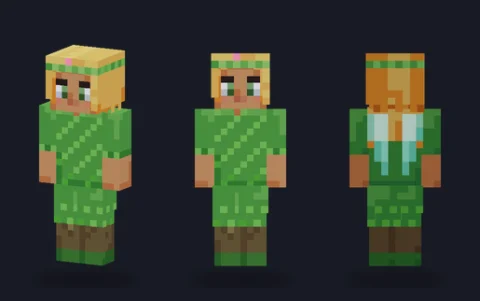 Leaf-dress fairyEditPNG
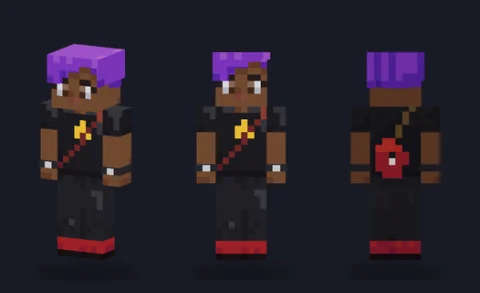 Rock guitaristEditPNG
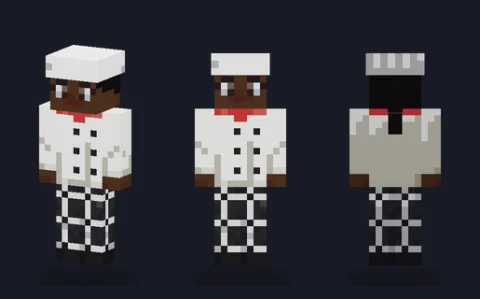 Chef girlEditPNG
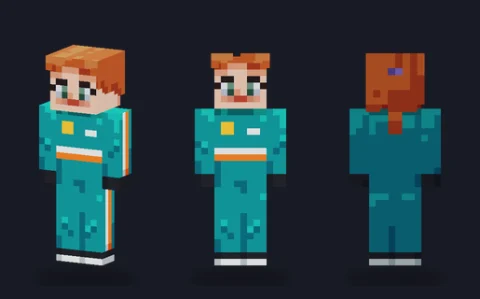 Racing driverEditPNG
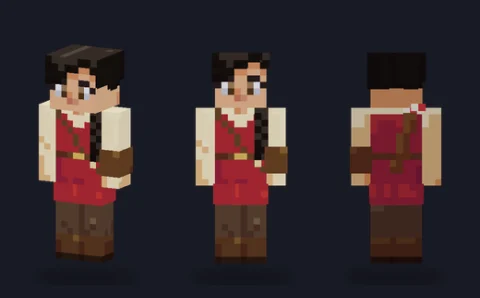 Archer girlEditPNG
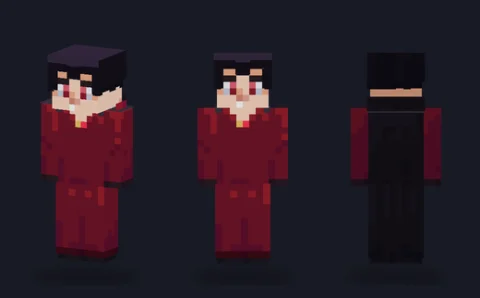 Vampire countessEditPNG
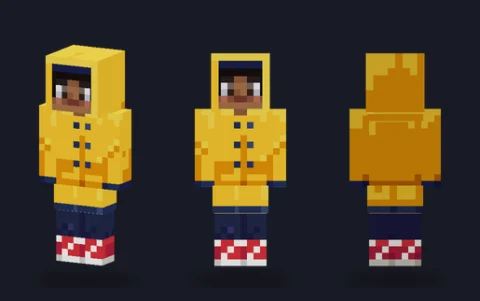 Raincoat girlEditPNG
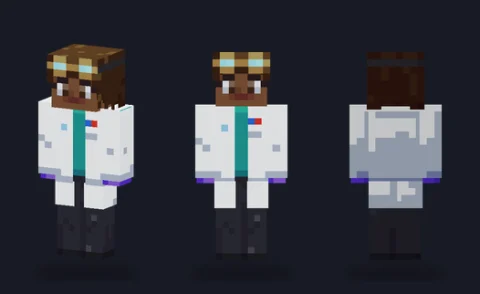 ScientistEditPNG
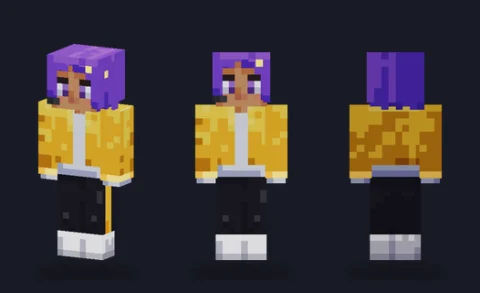 Pop starEditPNG
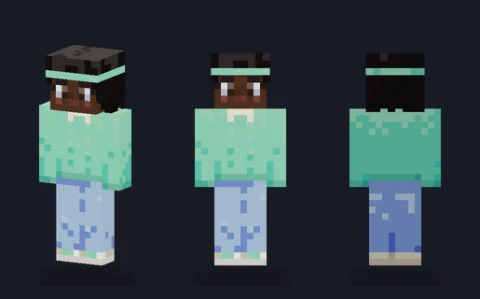 Mint sweaterEditPNG
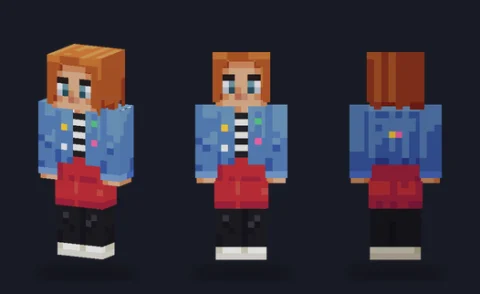 Denim jacket girlEditPNG
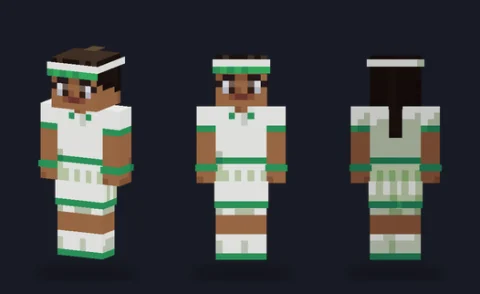 Tennis playerEditPNG
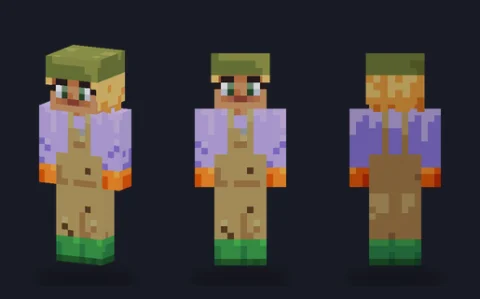 GardenerEditPNG
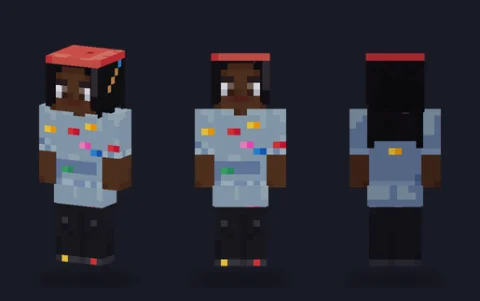 PainterEditPNG
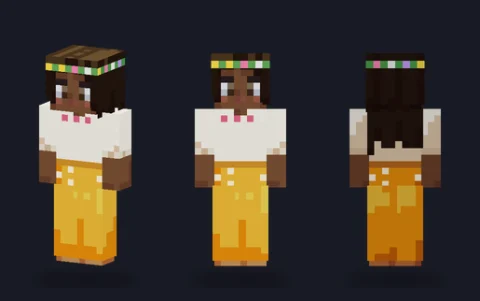 Flower crownEditPNG
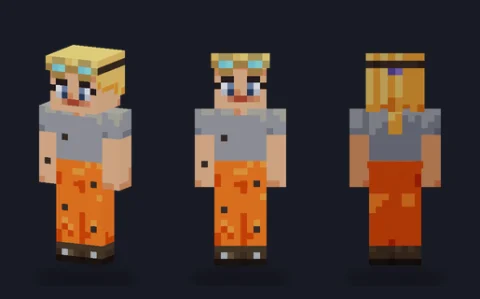 Mechanic girlEditPNG
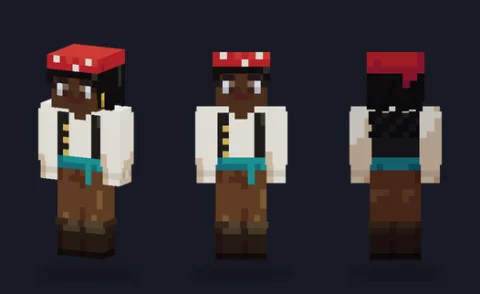 Pirate girlEditPNG
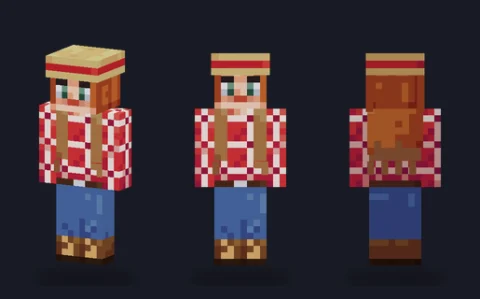 CowgirlEditPNG
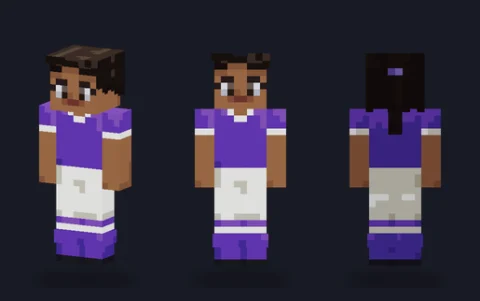 Footballer girlEditPNG
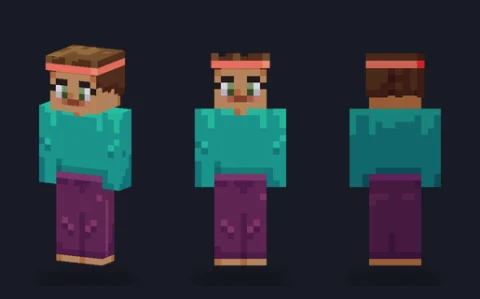 Yoga girlEditPNG
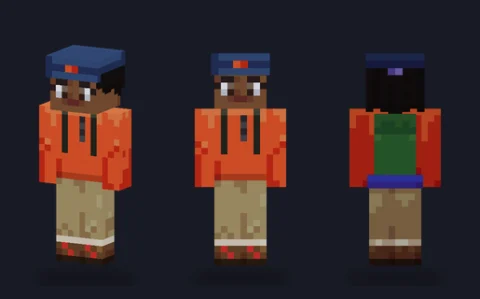 Hiker girlEditPNG
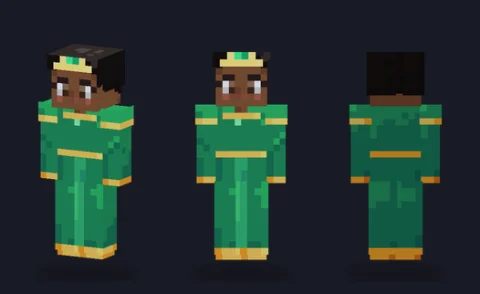 Royal gownEditPNG
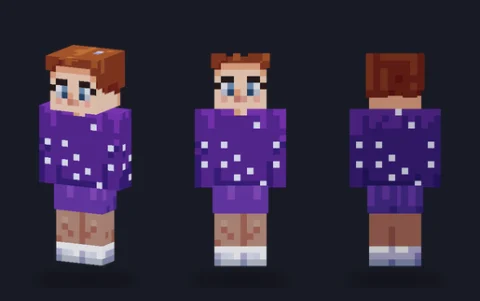 Figure skaterEditPNG
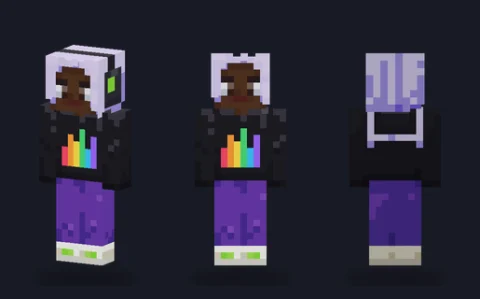 DJ girlEditPNG
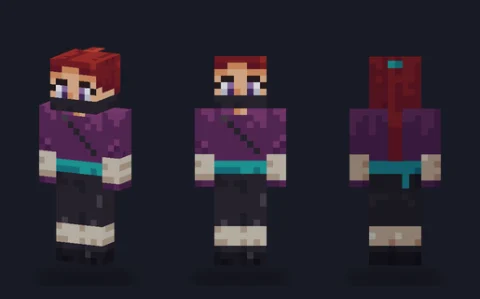 KunoichiEditPNG
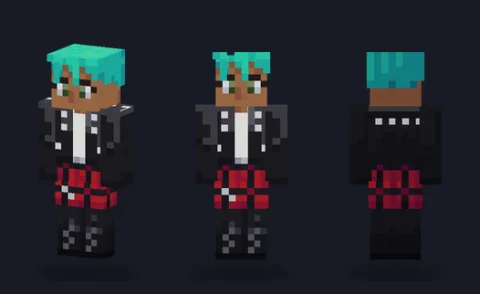 Punk rockerEditPNG
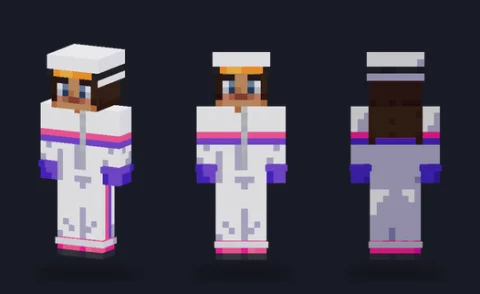 Ski suit girlEditPNG
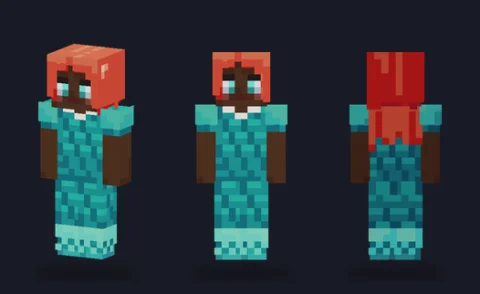 Scale-dress mermaidEditPNG
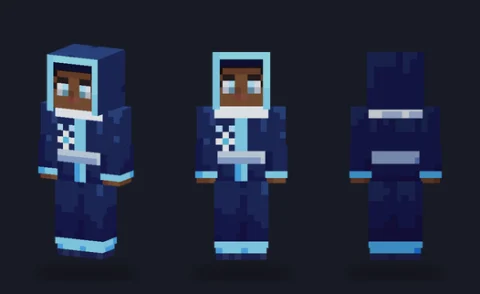 Frost mageEditPNG
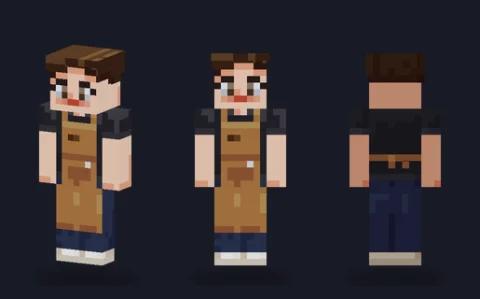 BaristaEditPNG
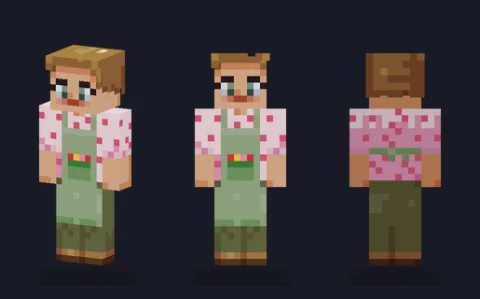 FloristEditPNG
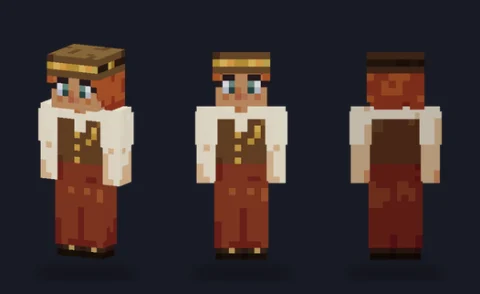 Steampunk inventorEditPNG
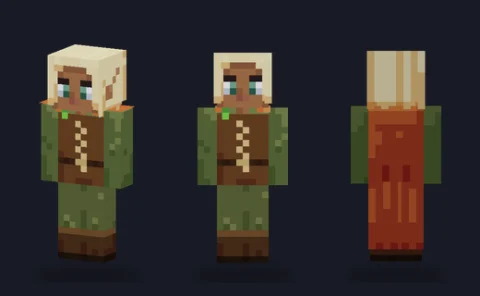 Elf rangerEditPNG
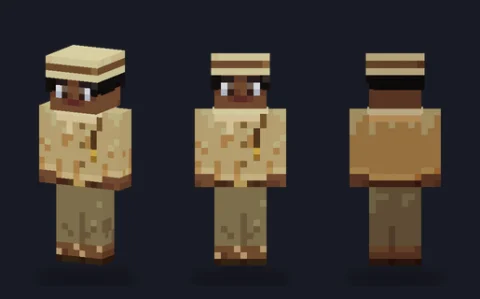 Desert explorerEditPNG
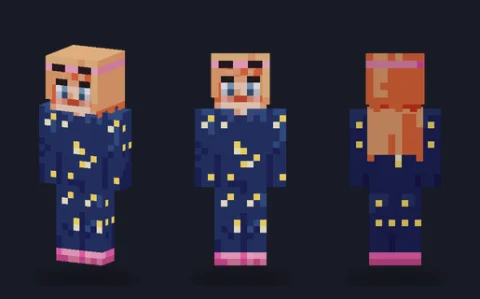 Star pyjamasEditPNG
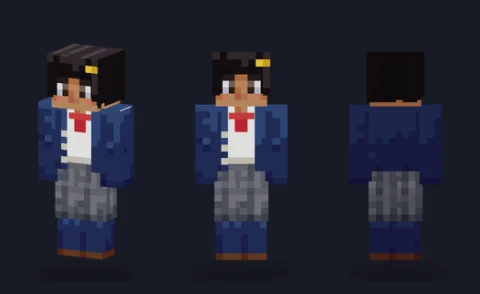 School cardiganEditPNG
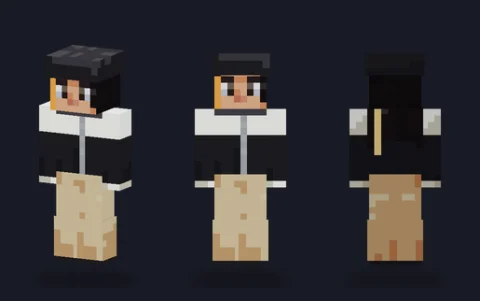 Streetwear girlEditPNG
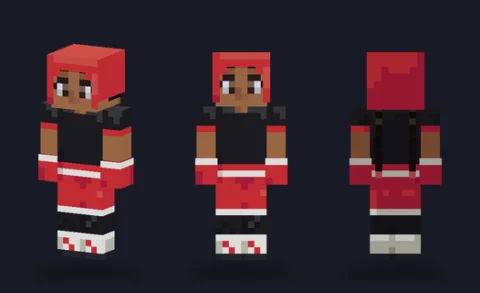 Boxer girlEditPNG
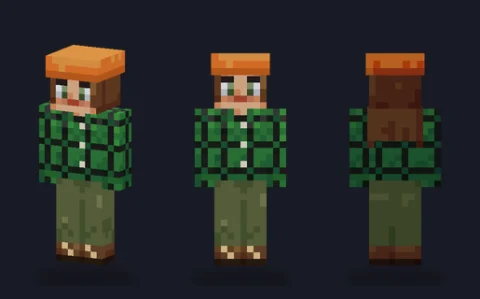 Flannel camperEditPNG
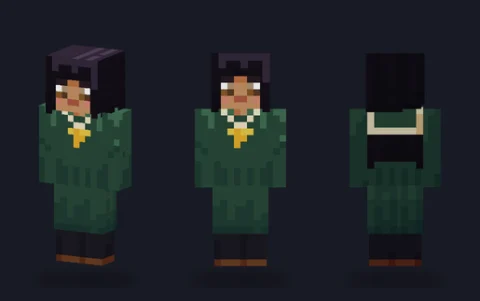 Sailor uniform girlEditPNG
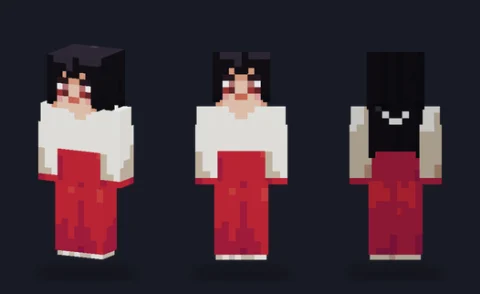 Shrine guardianEditPNG
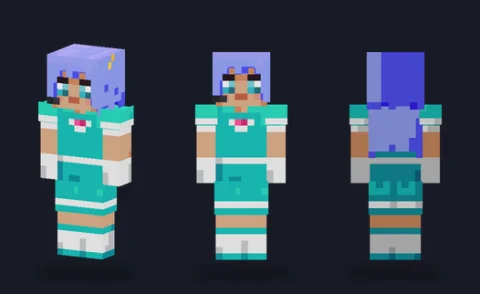 Idol singerEditPNG
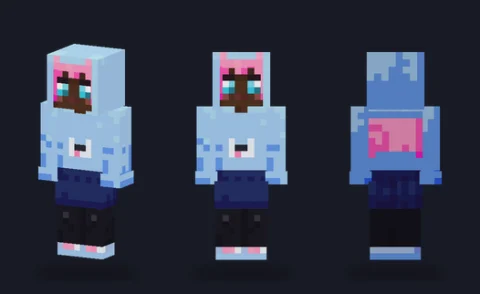 Cat-ear hoodie girlEditPNG
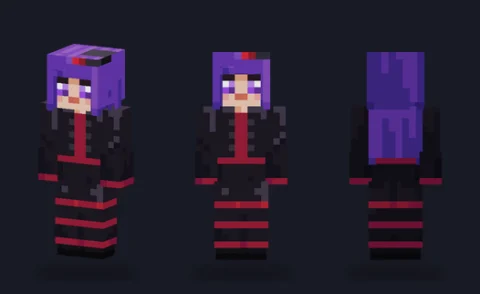 Gothic sorceressEditPNG
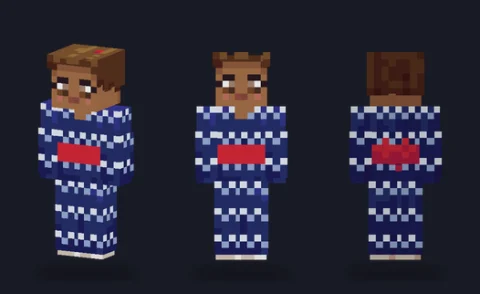 Festival yukataEditPNG
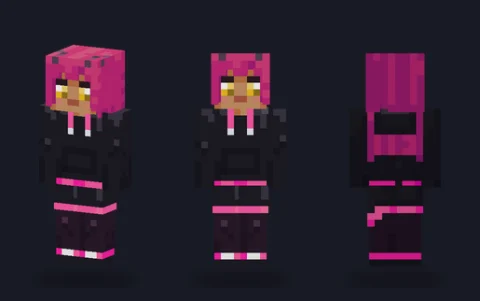 Horned demon girlEditPNG


What makes these read as girl skins
At 64×64 there is no room for a detailed face, so the character comes from three places: the hair, the arm width and the outfit. The hair is painted on every side of the head, top and back included, so the style shows from behind as well as in front. The slim model's three-pixel arms give a lighter silhouette, which is why each of these opens on slim first.
The faces are kept simple on purpose: two-pixel eyes, a mouth line and on some a light blush. That leaves you room to change the expression in a few clicks without repainting the head.
Making a girl skin your own
Hair colour is the quickest change. Open a skin in the editor, pick Fill and recolour each hair tone from darkest to lightest; the strand shading stays in place. Swapping the skin tone works the same way on the face, neck and hands.
For a new outfit, keep the hair and face and paint over the body and legs. If you want a skirt or dress to flare, paint its lower edge on the outer layer of the legs, half a pixel out from the body, the way the gowns and dresses here do.
Download, wear or edit
Tap a skin to open its page, choose Classic or Slim, and download that 64×64 PNG; upload it to the game unchanged and pick the same arm model. To change it first, press Edit and it opens in our skin editor, which runs in your browser with nothing uploaded. Original artwork drawn in code for PixelPelt. Free to use, edit, share and sell; no credit needed.
More Minecraft skins
See every skin together on the Minecraft skins page, start from one of our skin bases, or browse another type: