Original characters · classic and slim · free for any use
Minecraft boy skins
Boy skins for every kind of player: a streetwear hoodie, a basketball kit, a cowboy, a firefighter, a lumberjack, a hacker and a run of anime heroes. Each is an original character we drew, set on the classic four-pixel arm model by default, with a slim version drawn as its own file. Tap a skin to see it in 3D, then download it or open it in the editor.
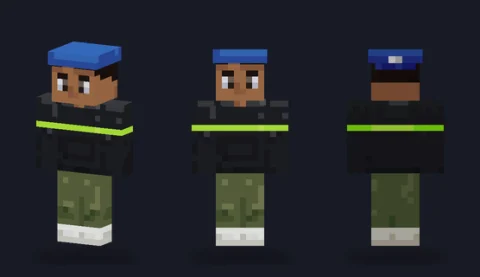 Streetwear hoodieEditPNG
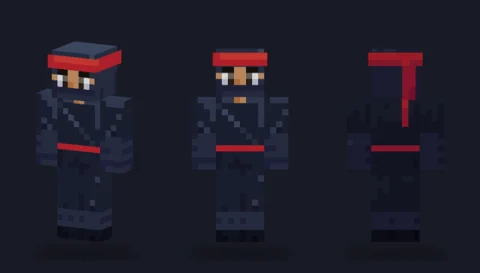 Shadow ninjaEditPNG
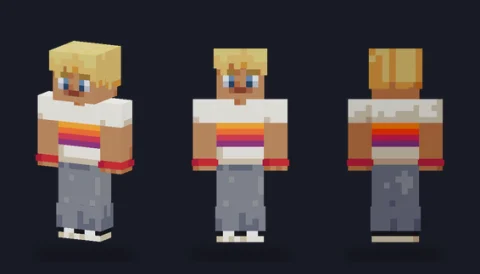 Skater boyEditPNG
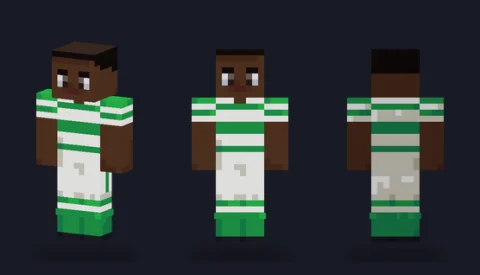 FootballerEditPNG
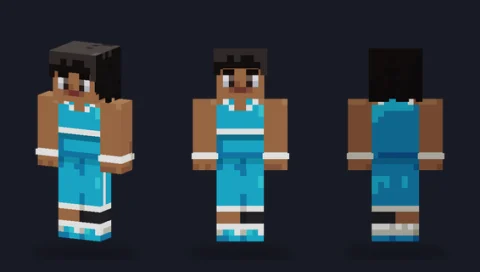 Basketball playerEditPNG
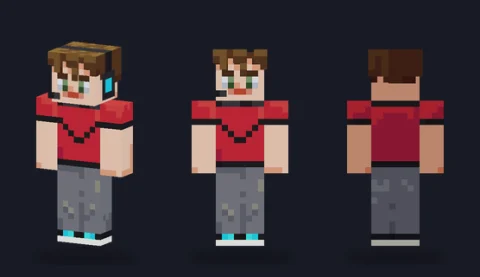 Gamer boyEditPNG
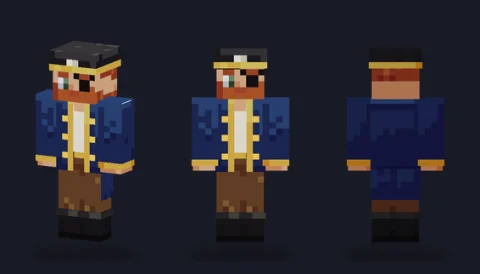 Pirate captainEditPNG
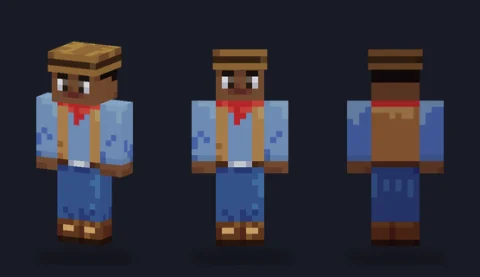 CowboyEditPNG
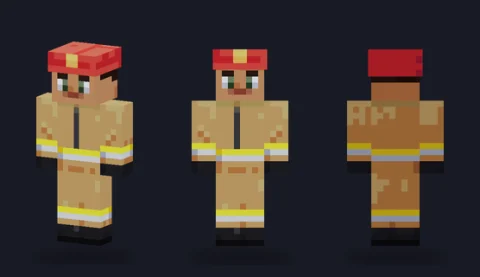 FirefighterEditPNG
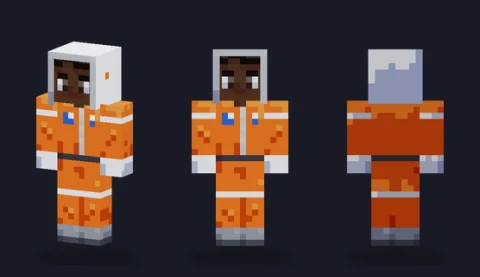 Astronaut boyEditPNG
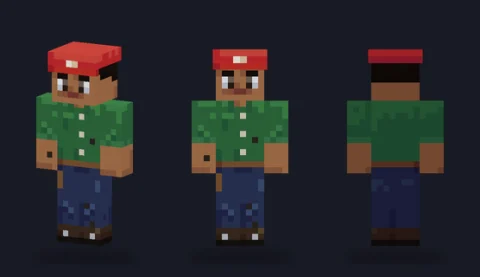 Mechanic boyEditPNG
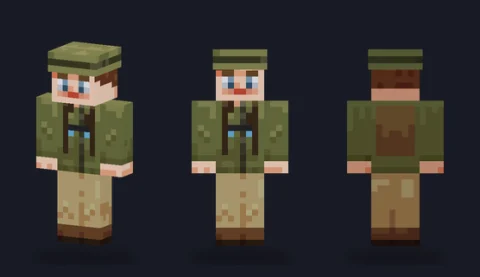 Jungle explorerEditPNG
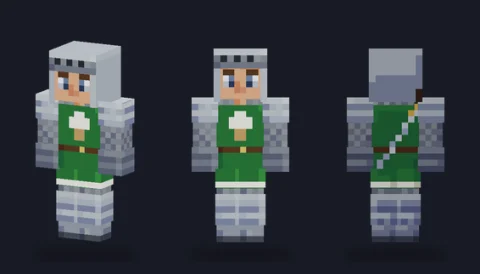 Young knightEditPNG
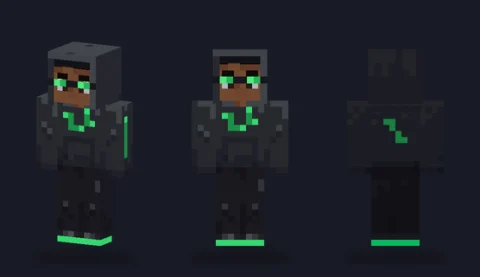 Hacker hoodieEditPNG
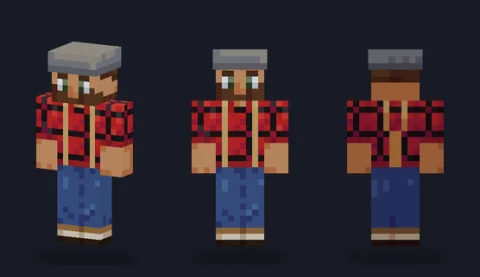 LumberjackEditPNG
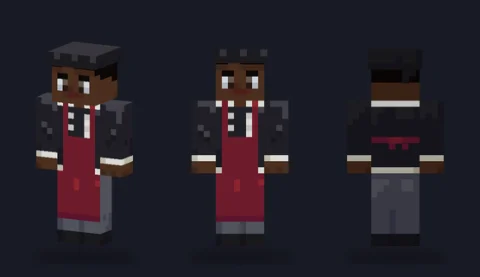 Chef boyEditPNG
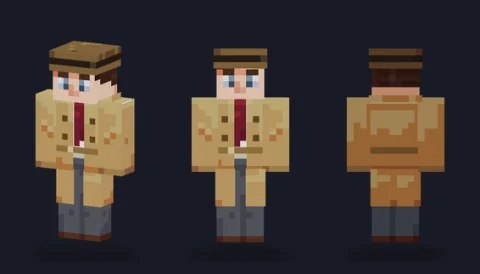 Detective boyEditPNG
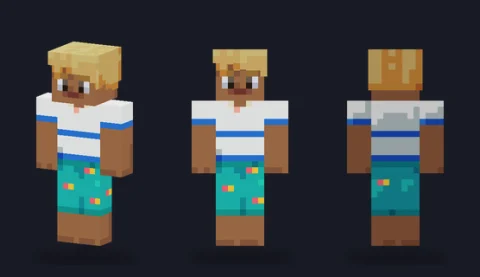 Surfer boyEditPNG
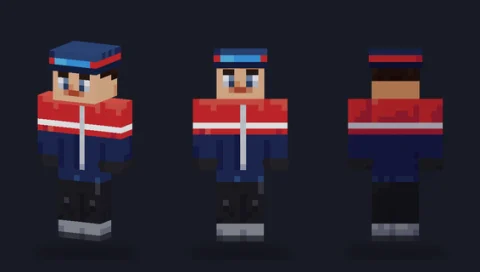 Ski jacket boyEditPNG
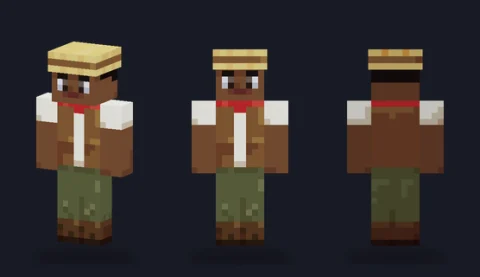 Farmer boyEditPNG
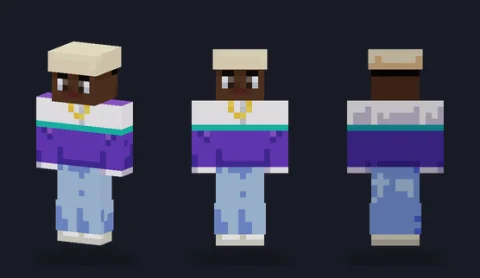 Hip-hop dancerEditPNG
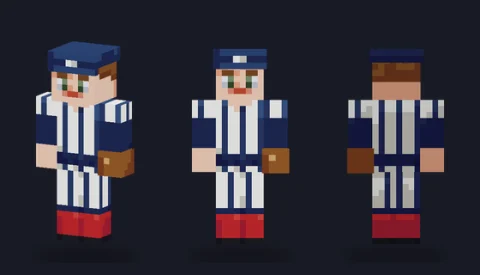 Baseball playerEditPNG
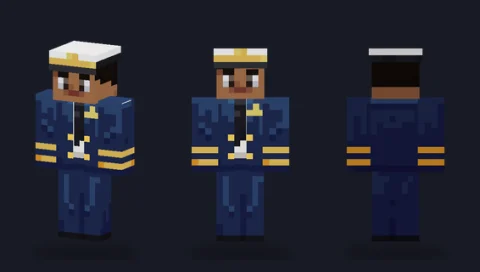 Airline pilotEditPNG
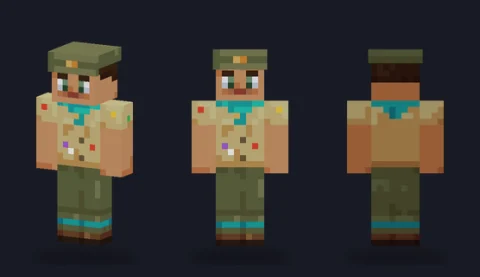 ScoutEditPNG
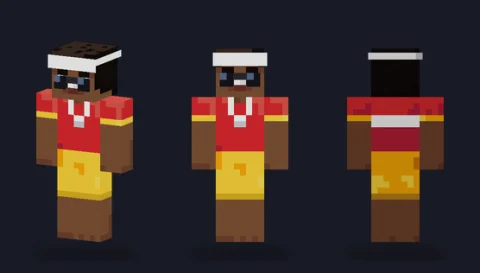 LifeguardEditPNG
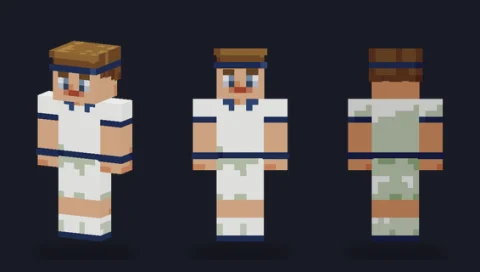 Tennis player boyEditPNG
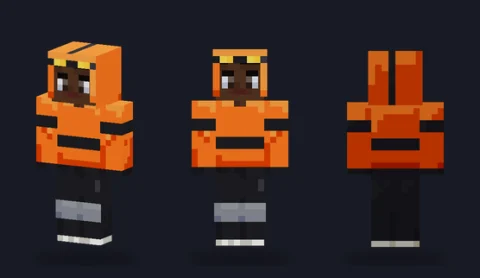 BMX riderEditPNG
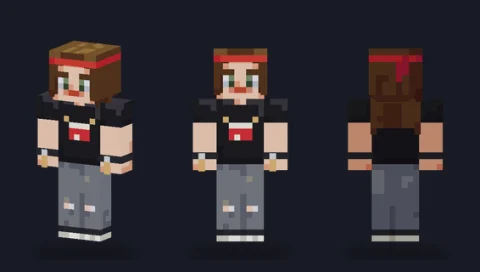 Rock drummerEditPNG
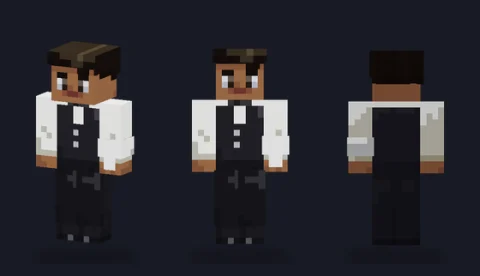 WaiterEditPNG
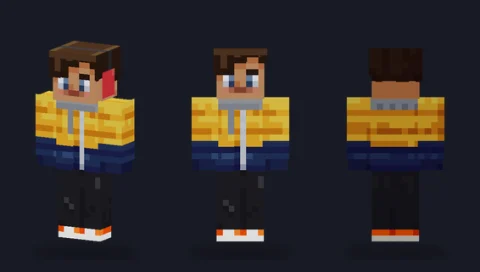 Puffer-jacket kidEditPNG
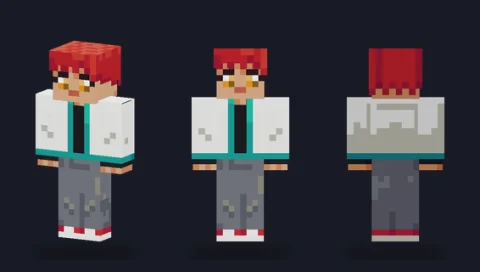 Spiky-hair heroEditPNG
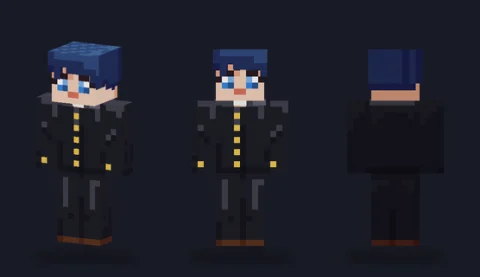 School uniform boyEditPNG
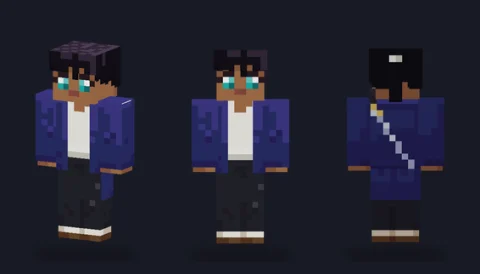 Sword prodigyEditPNG
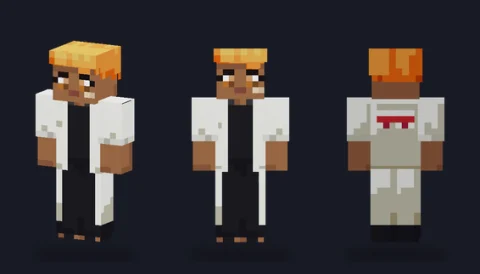 Long-coat delinquentEditPNG
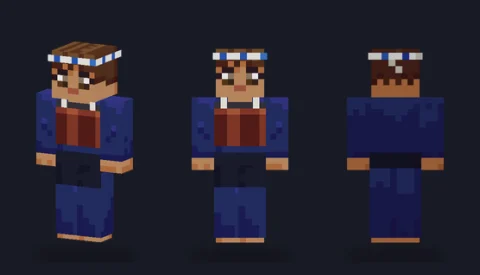 Kendo studentEditPNG
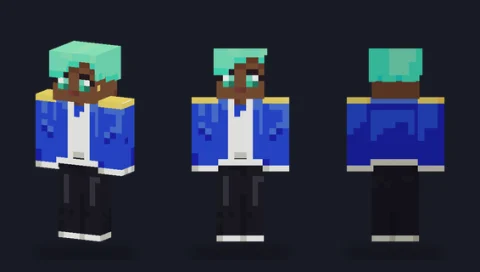 Idol boyEditPNG
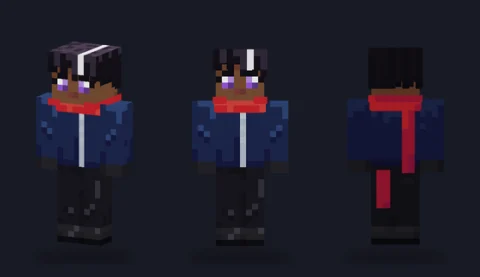 Scarf rivalEditPNG


How these are built
The outer layer carries the parts that should stand off the body: caps and helmets, hoods, open jackets, cuffs and shoes. Hiding the outer layer in the editor shows the base underneath, which is a quick way to see how a skin is put together before you change it.
Light falls from above and in front on every skin here, so the right side and back of each garment are a step darker. Keep that when you recolour and the character stays solid as it turns.
Turning one into your character
Change the team or work colours first: Fill the shirt tones together and the folds and seams survive. Then give the face your own touch, such as glasses on the outer layer of the head, a different hairstyle on the top and back, or a beard on the lower rows.
If your character is lighter or more stylised, switch to the slim file on its page; every skin here has one.
Download, wear or edit
Tap a skin to open its page, choose Classic or Slim, and download that 64×64 PNG; upload it to the game unchanged and pick the same arm model. To change it first, press Edit and it opens in our skin editor, which runs in your browser with nothing uploaded. Original artwork drawn in code for PixelPelt. Free to use, edit, share and sell; no credit needed.
More Minecraft skins
See every skin together on the Minecraft skins page, start from one of our skin bases, or browse another type: